The ActivTrak alternative: DeskTime

Get started fast. DeskTime is easy to set up, simple to use, and built for busy teams.

What is ActivTrak?

ActivTrak provides teams with detailed data on tools, websites, and activity to help them gain a deeper understanding of how work gets done. It’s packed with powerful insights, though getting everything set up and running smoothly can take some time.

Why look for an ActivTrak alternative?

ActivTrak has solid features for tracking and analytics, but its complexity can be a lot for new users. DeskTime covers the same analytics essentials, like productivity scores, app usage breakdowns, and project time reports, in an interface teams can adopt in a day, not a week.

If you'd rather keep things simple, DeskTime's easy-to-use interface makes onboarding a breeze while still delivering the productivity data your team needs to make decisions.

DeskTime vs. ActivTrak

desktime desktime activtrak activtrak
Automatic time tracking
Admin dashboard
User dashboard
ISO compliance
Exports
Notifications
Attendance management
Scheduling
Capacity planning
Office space planning
pages/financial-services.content.alt.laptop-elements

Why switch from ActivTrak to DeskTime?

DeskTime is a good ActivTrak alternative for larger teams looking to improve productivity and streamline processes with a focus on simplicity and ease of use.

Hassle-free time tracking

Let the tracking begin the moment your employee opens their computer. Automatic tracking is so seamless, they won't even notice it.

User-friendly experience

DeskTime is known for its easy setup and minimalistic design. While ActivTrak offers extensive features, DeskTime prioritizes a straightforward approach to time tracking.

DeskTime is ISO certified

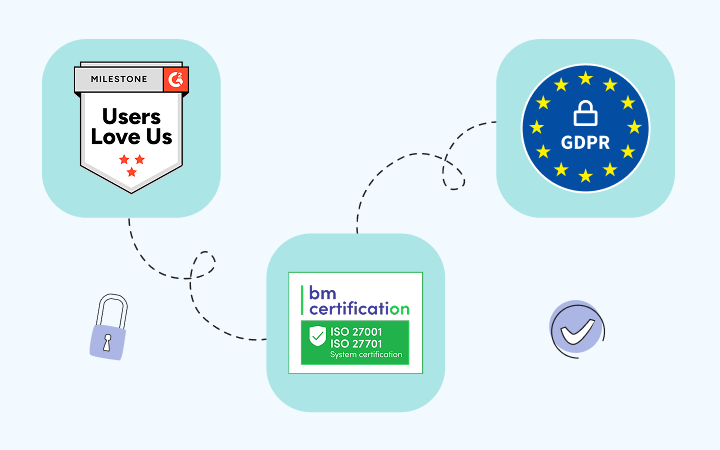
User data privacy is crucial when choosing an employee time tracking tool. Unlike ActivTrak, DeskTime has received ISO 27001 & ISO 27701 certifications.

Actionable analytics without the complexity

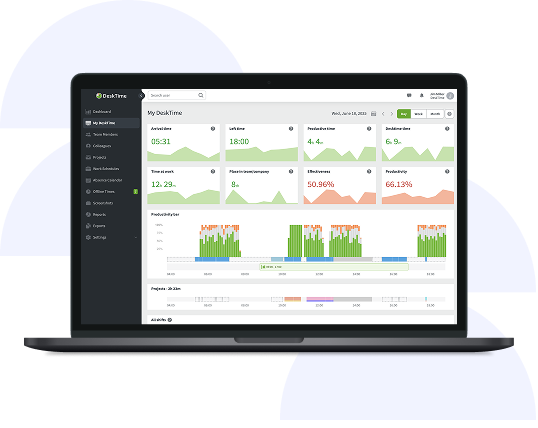
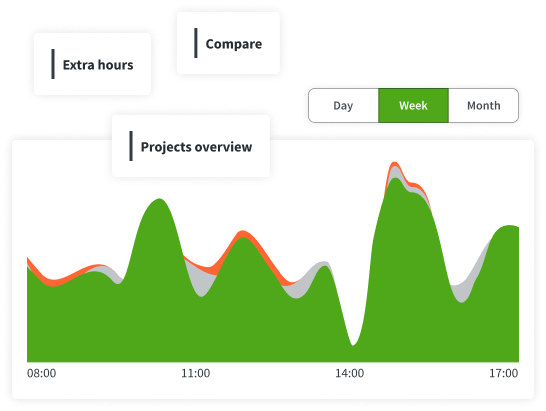
DeskTime gives teams role-based productivity scores, app and URL breakdowns, project-level time reports, and real-time team dashboards, all in one place and continuously updated throughout the day.

A time tracker that won’t interrupt your team’s workflow. Ever.

Forget manual entries and distractions. With DeskTime, time tracking runs on autopilot—zero effort needed.

How DeskTime works

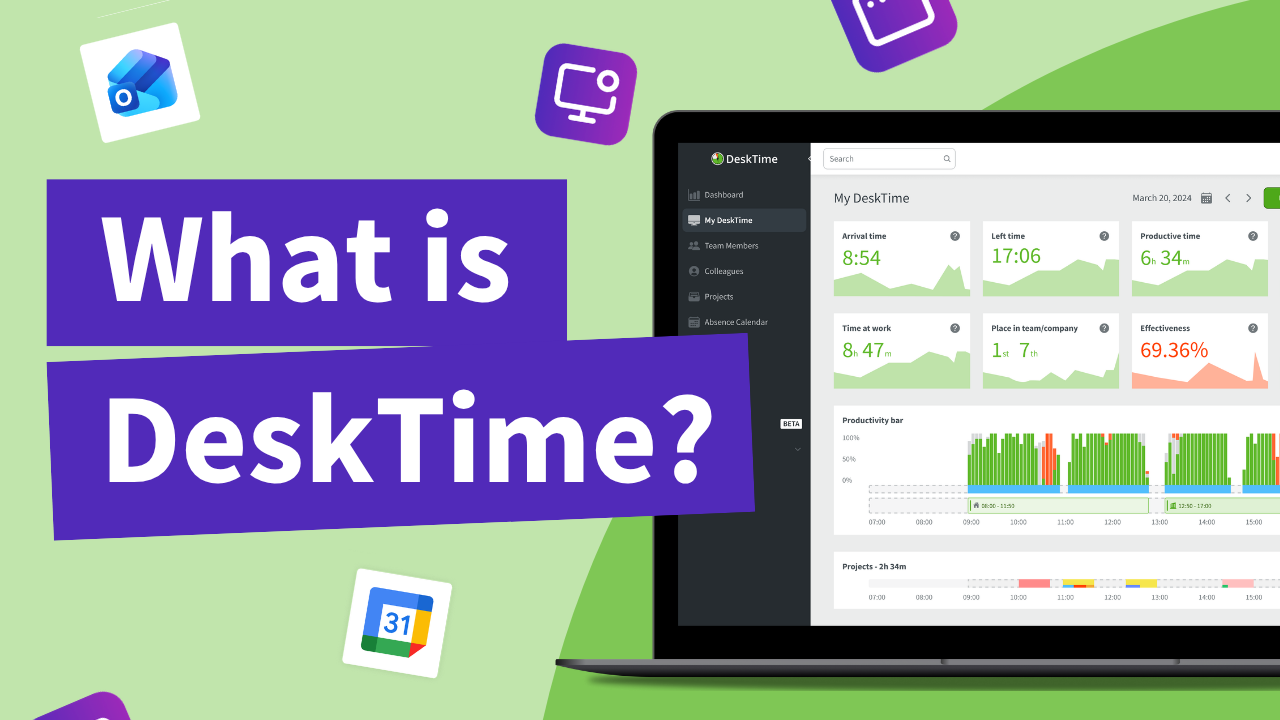
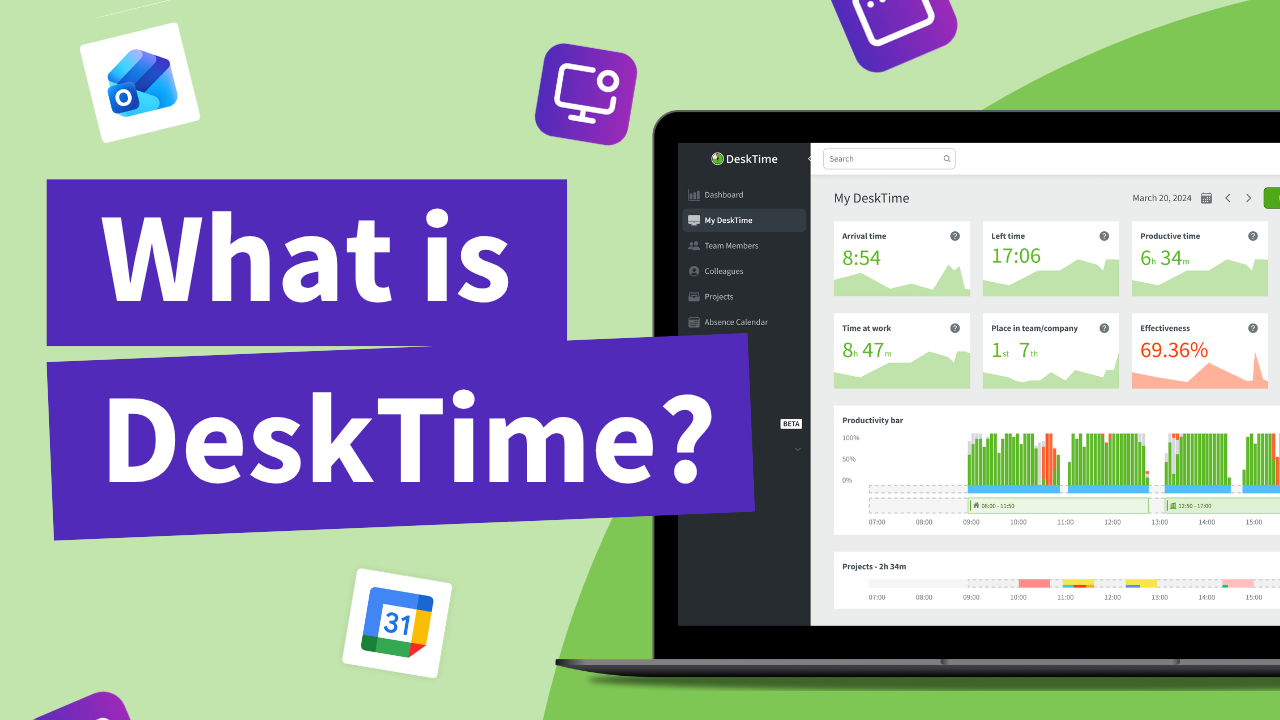
With DeskTime, you can see your employees' arrival and departure times, analyze their productivity, schedule shifts, oversee absences, maintain a healthy work-life balance, keep track of specific projects, and more.

Step 1 to start using DeskTime: Sign up and download the desktop app
Hassle-free time tracking
Let the tracking begin the moment your employee opens their computer. Automatic tracking is so seamless, they won't even notice it.
Step 2 to start using DeskTime: Add your employee details and create teams
User-friendly experience
DeskTime is known for its easy setup and minimalistic design. While ActivTrak offers extensive features, DeskTime prioritizes a straightforward approach to time tracking.
Step 3 to start using DeskTime: Start tracking time and see productivity insights
DeskTime is ISO certified
User data privacy is crucial when choosing an employee time tracking tool. Unlike ActivTrak, DeskTime has received ISO 27001 & ISO 27701 certifications.

DeskTime key features

Here’s why DeskTime is the perfect choice for teams that want to keep track of their work.

  • Reports and exports

    Get productivity breakdowns, app usage reports, project time summaries, and attendance data in one place. Export everything for payroll, billing, or further analysis.

  • Customisable settings

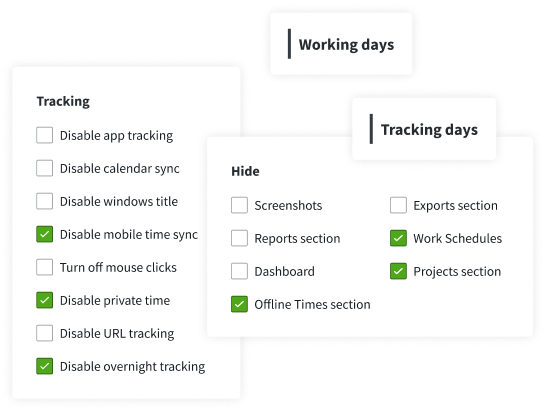
    DeskTime knows that sometimes time tracking calls for an individual approach. User-level settings will let you adapt to each team member's unique workflow.

  • Schedules and absences

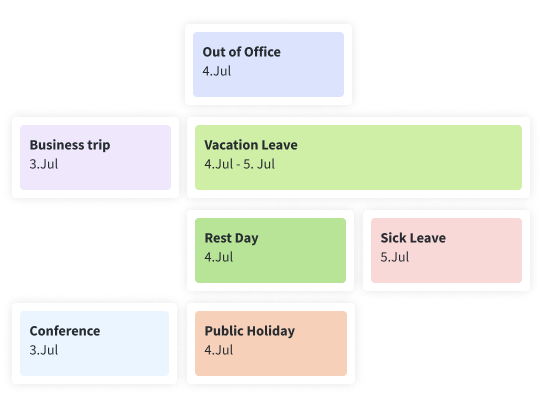
    Put an end to countless HR tools and have everything in one place with DeskTime’s Work Schedule and Absence calendars. Workforce management made easy.

Reports and exports

Get productivity breakdowns, app usage reports, project time summaries, and attendance data in one place. Export everything for payroll, billing, or further analysis.

Customisable settings

DeskTime knows that sometimes time tracking calls for an individual approach. User-level settings will let you adapt to each team member's unique workflow.

Schedules and absences

Put an end to countless HR tools and have everything in one place with DeskTime’s Work Schedule and Absence calendars. Workforce management made easy.

What industries is DeskTime suited for?

Find out which industries can get the most out of DeskTime’s easy time tracking and productivity tools.

Outsourcing & offshoring

DeskTime offers transparency and accurate data across time zones. Time tracking boosts accountability and optimizes project management for global teams.

Marketing & creative agencies

DeskTime automates time tracking, helping agencies efficiently log billable hours, manage workloads, and ensure transparent, profitable client projects.

Financial services

DeskTime supports regulatory compliance, accurate client billing, and project profitability, ensuring transparent and optimized operations. Ideal for audits in finance sector companies.

How does DeskTime work?

See how DeskTime tracks time automatically and helps teams stay productive.

Built to meet global standards

DeskTime complies with top-tier international data protection protocols, delivering a secure and seamless time tracking experience trusted by teams big and small worldwide.

ISO 27001 compliant

Our practices align with ISO 27001 and ISO 27701 standards, ensuring robust information and privacy management across our systems.

GDPR compliant

The services provided by DeskTime and the data generated using the application comply with the rules set by GDPR.

Privacy policy

Visit our Privacy Policy to learn what data we collect, how we use it, and how we protect your privacy.

Data encryption

All data that DeskTime users share with our servers is encrypted both in transit and at rest by default.

Two-factor authentication

Users can add an extra layer of security to their account by enabling two-factor authentication in their profile settings.

Backups and reliability

With a system uptime of 99.95%, DeskTime ensures maximum reliability through continuous, restorable backups.

Don’t take our word for it

Want to hear from our users? Discover their reviews on G2.

Book a 1:1 introduction call

Planning to onboard a large team of 20+ users?

Schedule a chat with our product expert to learn how DeskTime can be tailored to fit your needs and requirements.

1
Fill out the form
Start the booking process with basic info about your company.
2
Schedule your call
Choose a date and time that works for you.
3
Answer a few additional questions
We want the call to be about you—so the more we know, the better!
4
All set!
You can relax and wait for the call.

It looks like you're using a personal email. Please provide a company email address.

Want to explore other time tracking tools?

Here are some other popular productivity and time tracking tools.

Time Doctor

Time Doctor is a good choice if you need detailed proof of work, with minimal employee engagement with the platform.

Clockify

Clockify suits teams that don't mind a bit more manual input for accurate time tracking. It will benefit smaller teams and freelancers.

Insightful

Insightful offers extensive employee monitoring and activity tracking, ideal for companies needing deep workforce oversight.