Bring clarity to hybrid work
with IP Location
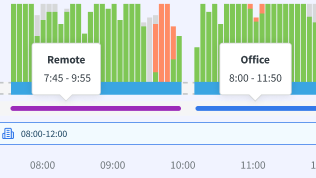
Understand how time is split between office and remote work, and manage hybrid teams with accurate, automatic location insights.
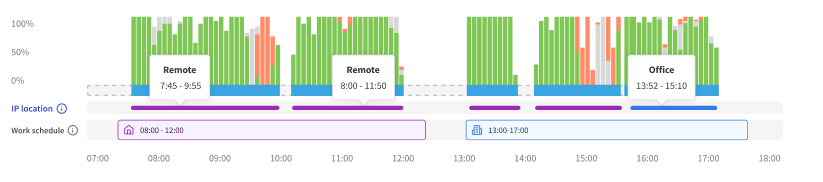
TL;DR: DeskTime IP Location automatically classifies work as office or remote by comparing a user’s IP address with the office IP set by a company admin. It helps hybrid teams see where work happens, verify planned vs. actual work locations, and gain clearer workplace visibility without GPS tracking.
How does IP Location work?
Here’s how you can set up IP-based work location detection and start seeing office vs. remote data automatically.
Unlock your team's true potential with DeskTime
Eliminate time waste, maintain remote productivity, and promote a culture of transparency in your team.
Combine IP Location with DeskTime’s Work Schedules
Combine planned schedules with automatic location insights to get a clearer picture of how your team actually works.
What IP Location reveals about your team
Get instant visibility into where work happens and build a clearer picture of your team’s workplace habits.
See who is working from the office and who is remote in real time. Get a clear snapshot of your team’s current work location without manual check-ins.
Track how often employees work from each location over time. Identify fully remote, fully office-based, and hybrid work patterns across teams.
Compare how different departments or roles split their time between office and remote work. Gain a structured overview of how work location varies across your organization.
Why does work location visibility matter for your business?
Forget endless manual check-ins. Work location visibility allows you to make smarter workplace decisions with accurate, automatic location data.
Ensure office and remote work expectations are followed using objective, IP-based data.
Eliminate the need for status updates or spreadsheets to track where employees are working from.
Understand on-site patterns to better manage office space, resources, and team coordination.
Understand when teams overlap in the office and make it easier to plan meetings, collaborative tasks, and in-person workdays.
Build trust and accountability with clear, data-based visibility into work locations across your organization.
No more guessing in the dark. Use clear location insights to inform policies and support teams, grounded in real workplace patterns.
Don’t take our word for it
Want to hear from our users? Discover their reviews on G2.
How DeskTime works
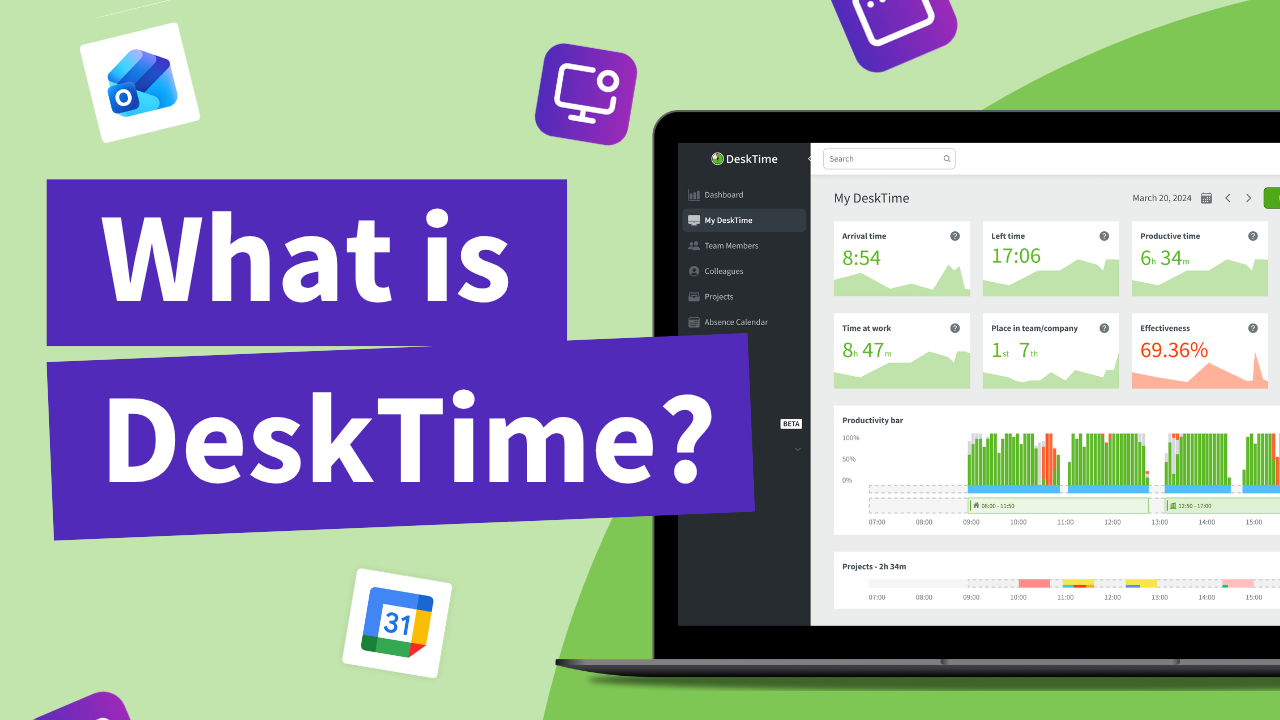
With DeskTime, you can see your employees' arrival and departure times, analyze their productivity, schedule shifts, oversee absences, maintain a healthy work-life balance, keep track of specific projects, and more.
Explore more features
FAQ
It’s important to note that tracking begins once the office IP is added, so work location data will be tracked from that point forward, and earlier activity won't be available.
If you want remote work to be classified correctly, consider configuring your VPN to use a different IP address than your office network. This helps ensure work locations are identified more accurately.
A time tracker that won’t interrupt your team’s workflow. Ever.
Forget manual entries and distractions. With DeskTime, time tracking runs on autopilot—zero effort needed.