Stay on top of your team's activities with Screenshots
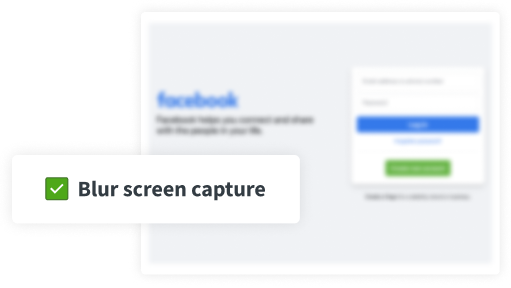
DeskTime's screenshots are optional, taken at random intervals you control, and can be blurred so sensitive data is never exposed, giving 20 to 100-person service businesses proof of work without compromising employee privacy.
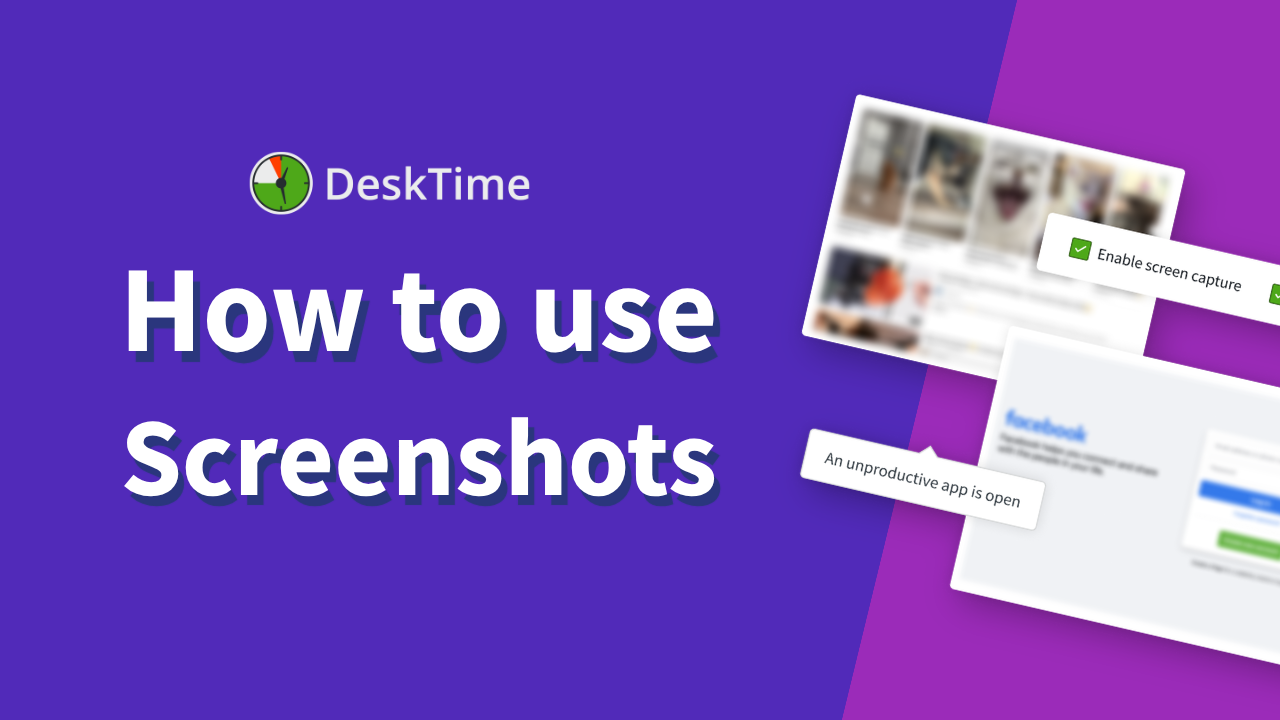
TL;DR: Enable screenshots for selected employees or teams and choose how often screens are captured. DeskTime flags screenshots taken in unproductive apps as suspicious, helping managers review activity when needed.
How do DeskTime Screenshots work?
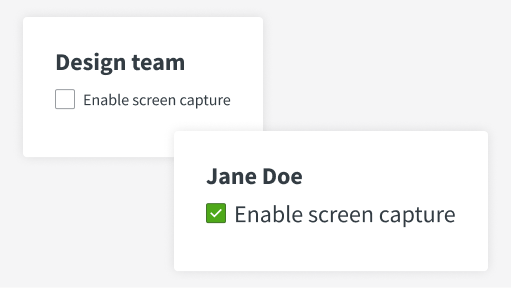
The feature is optional – turn it on for your entire team or individual users.
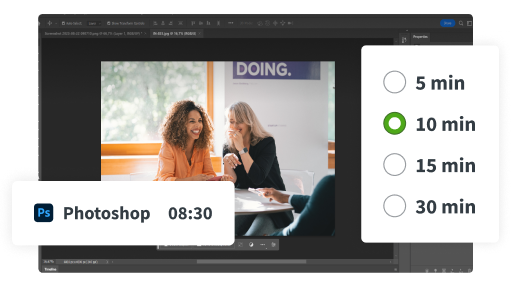
Screenshots are taken at random times within 5, 10, 15, or 30-minute intervals.
You get the general idea of what everyone's doing, but sensitive info stays private.
Gain peace of mind that everyone's getting the job done
Time tracking with screenshots gives you an extra boost of certainty that everyone's hard at work.
Screenshots that respect employee privacy by design
Don’t take our word for it
Want to hear from our users? Discover their reviews on G2.
How DeskTime works
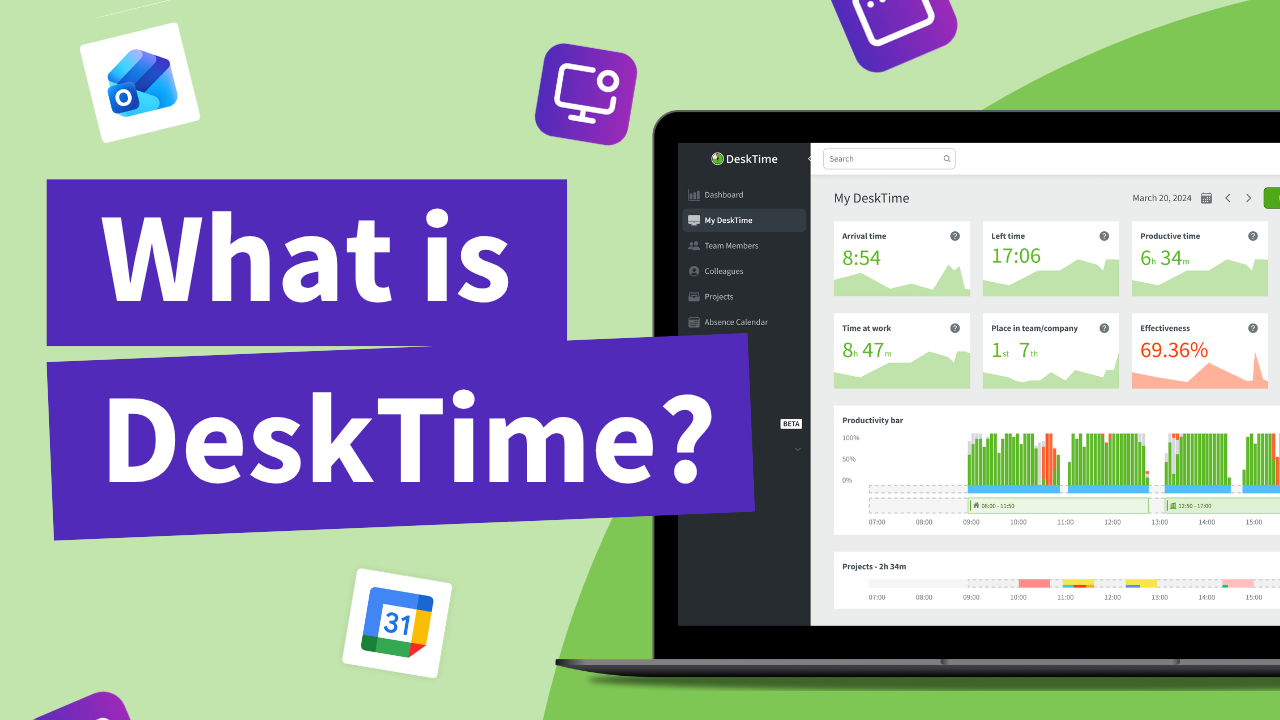
With DeskTime, you can see your employees' arrival and departure times, analyze their productivity, schedule shifts, oversee absences, maintain a healthy work-life balance, keep track of specific projects, and more.
Highly rated and globally trusted
Izpētiet vairāk funkciju
Frequently asked questions about Screenshots
Try free for 14 days. No credit card required.
Forget manual entries and distractions. With DeskTime, time tracking runs on autopilot—zero effort needed.