Clear workday insights with
AI Summary
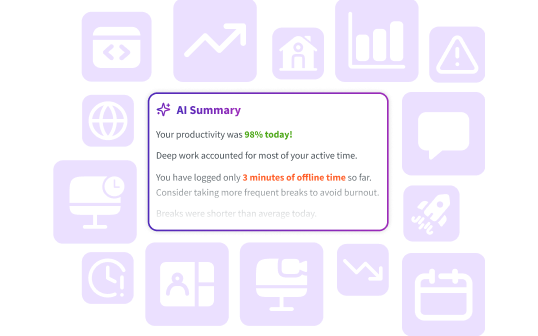
Get a clear, AI-powered overview of your team’s work patterns, priorities, and productivity, without manual reporting slowing you down.
How does AI Summary work?
Here’s how DeskTime takes you from tracked time to clear insights in just a few steps.
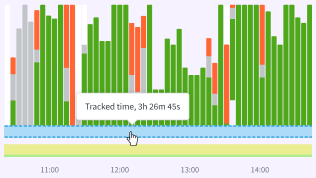
Install DeskTime and start tracking your workday effortlessly in the background.
After 30 minutes of tracked time, there’s enough data for AI to start analyzing individual patterns or team activity.
Employees see clear summaries of their work, while managers get added insight into both their own day and their workers’ days.
Why teams use AI Summary
Make smarter decisions with clear insights and less admin work, built right into your time tracking.
Insights you get with AI Summary
Top apps and workspaces
See which apps, tools, and workspaces your team uses the most, and where most of their time is spent.
Focus vs. communication
See whether your team’s priority is deep focus work or communication, and how that balance shifts over time.
Actionable optimization tips
Get recommendations to balance workloads, reduce overload, and support healthier workdays.
Don’t take our word for it
Want to hear from our users? Discover their reviews on G2.
How DeskTime works
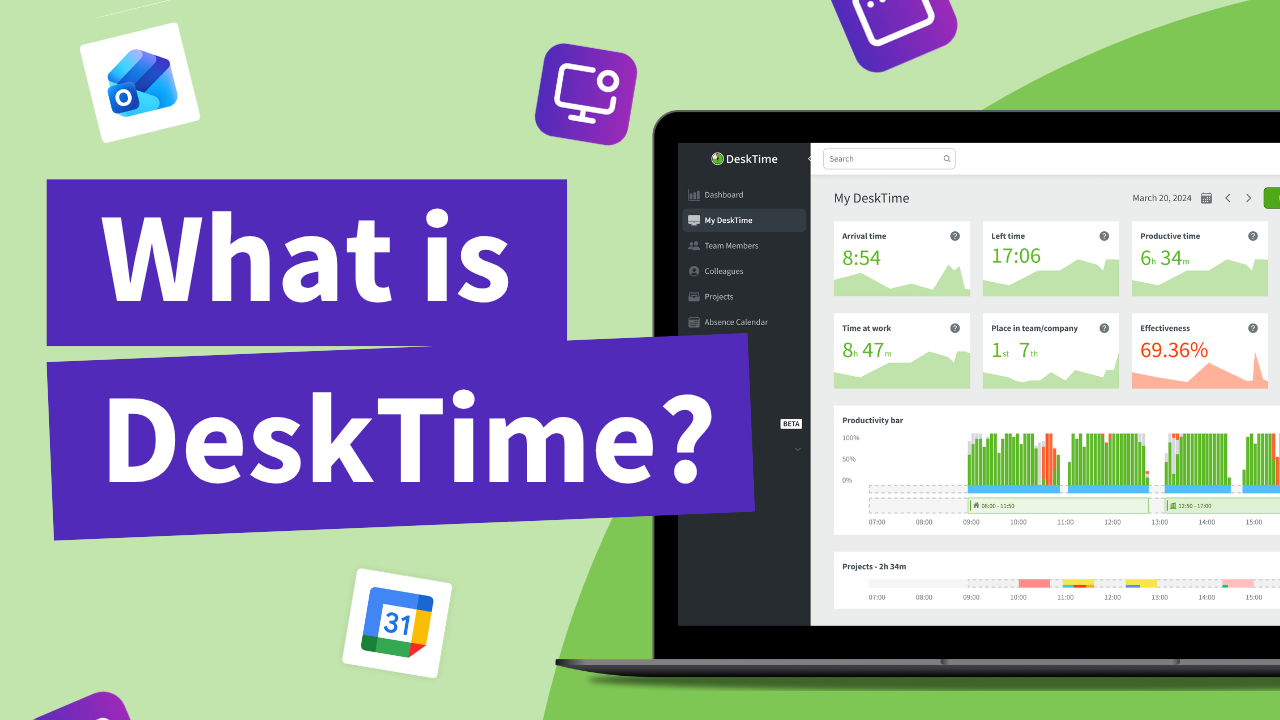
With DeskTime, you can see your employees' arrival and departure times, analyze their productivity, schedule shifts, oversee absences, maintain a healthy work-life balance, keep track of specific projects, and more.
Explore more features
Unlock your team's true potential with DeskTime
Eliminate time waste, maintain remote productivity, and promote a culture of transparency in your team.