


AI time tracking: The best tools right now and what’s coming next

AI time tracking is having a moment—but what even is it?
Every category of software is being rebranded with an AI label right now, so it’s reasonable to be skeptical. The reality is that most time tracking tools have been “smart” in some sense for years: they’ve auto-categorized apps, flagged idle time, and generated productivity reports long before AI was a buzzword.
So what’s actually new?
Want to get the most out of your time?
Try DeskTime for free!
Try free for 14 days · No credit card required.
By signing up, you agree to our terms and privacy policy.
Quite a lot, as it turns out. But before diving into the best AI-powered time tracking tools available today, it’s worth understanding where AI genuinely adds value in this space—because it shapes how you should evaluate these products.
If you’re just here for the recommendations, find them in the menu!
What AI actually adds to time tracking
Let’s be real—standard time tracking doesn’t need AI to do its core job. It doesn’t take machine learning to detect when someone starts and ends work, log which apps are open, or calculate a productivity percentage. Tools like DeskTime have handled this automatically for years.
Where AI in time tracking does make a difference is in understanding your data—and, increasingly, in categorizing it more accurately without any manual input.
Accordingly, AI has the potential of solving one major problem time tracking has right now which is that most people and teams collect time tracking data without ever really using it properly. To make the most of time tracking tools, you have to really dig into where your and your team’s time goes – but many don’t.
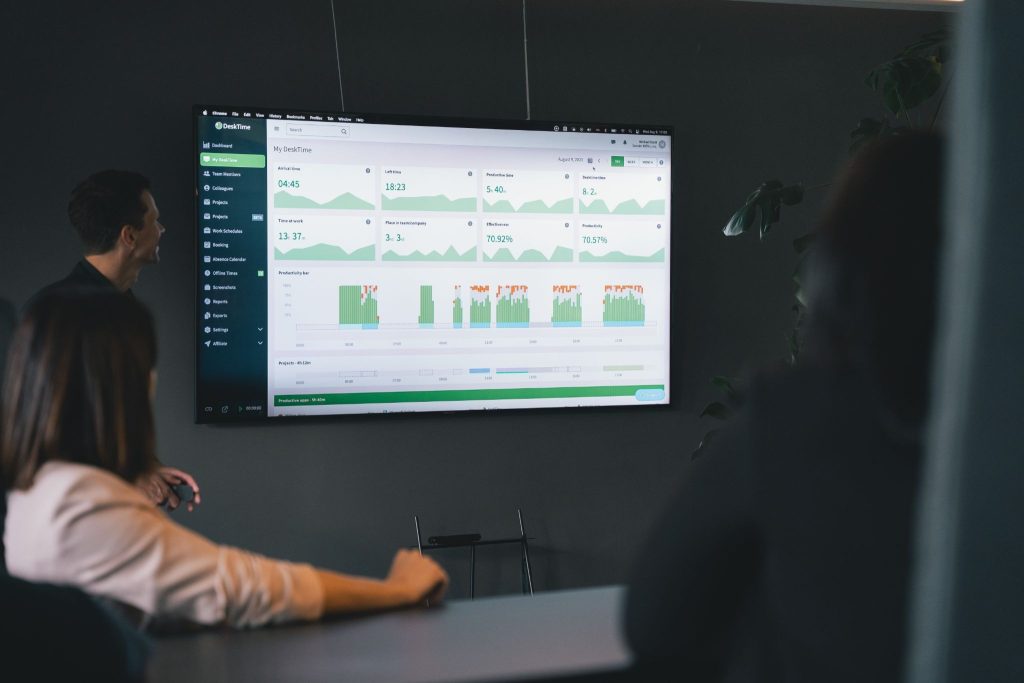
AI changes this by doing the analysis for you and serving up the conclusions in plain language. Instead of staring at a dashboard and trying to interpret your own numbers, you get a readable summary: what you focused on, how your team is performing, where time is leaking. That shift—from raw data to genuine insight—is where AI in time management has the most to offer for personal and team productivity.
As AI matures, expect more predictive capabilities: better project time estimates based on historical patterns, proactive burnout alerts before issues escalate, and smarter scheduling recommendations. The most capable AI time tracking tools are already moving in this direction.
5 AI time tracking tools worth checking out
1. DeskTime
Best for: Teams that want straightforward, automatic tracking with actionable AI insights
Pricing: $9.17/user/month for the tier that includes AI summaries
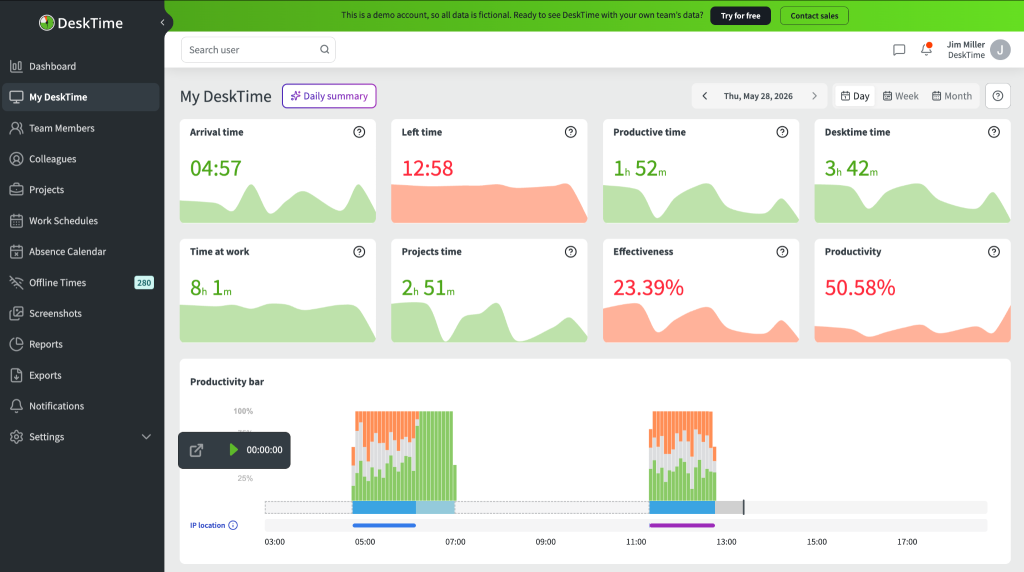
DeskTime has long been a strong option for teams that want automatic, no-fuss time tracking without making it feel like surveillance. It logs apps, URLs, and documents automatically, calculates productivity scores, and gives managers a clear view of how the workday is actually spent.
The most notable recent addition is the AI Summary feature, which generates daily and weekly plain-language summaries of tracked time and patterns—turning the raw data DeskTime has always collected into genuinely readable insights. For managers who want to spot trends or potential burnout without spending time crunching numbers, it makes a real difference.

Invite structure in your workday!
Our all-in-one time management solution works wonders
2. TimeCamp
Best for: Teams who want zero-touch time logging
Pricing: $9.99/user/month (billed annually) for the tier that includes their AI time tracker
TimeCamp’s standout feature is TIC—Time Intelligence Center—an AI time tracking agent that runs silently in the background, monitors your apps, documents, meetings, and calendar, and automatically fills in your timesheets without you lifting a finger. Rather than just categorizing apps after the fact, it learns your work patterns and assigns time to the right projects automatically, improving its accuracy over time. At the end of the day, you review and approve—no manual entry needed.
The privacy model is worth noting: data is processed locally and only synced with your permission. Admins do not see individual activity unless it’s been approved.
3. Time Doctor
Best for: Remote teams and businesses that need detailed activity monitoring
Pricing: $16.70/user/month for the tier that features AI benchmarking
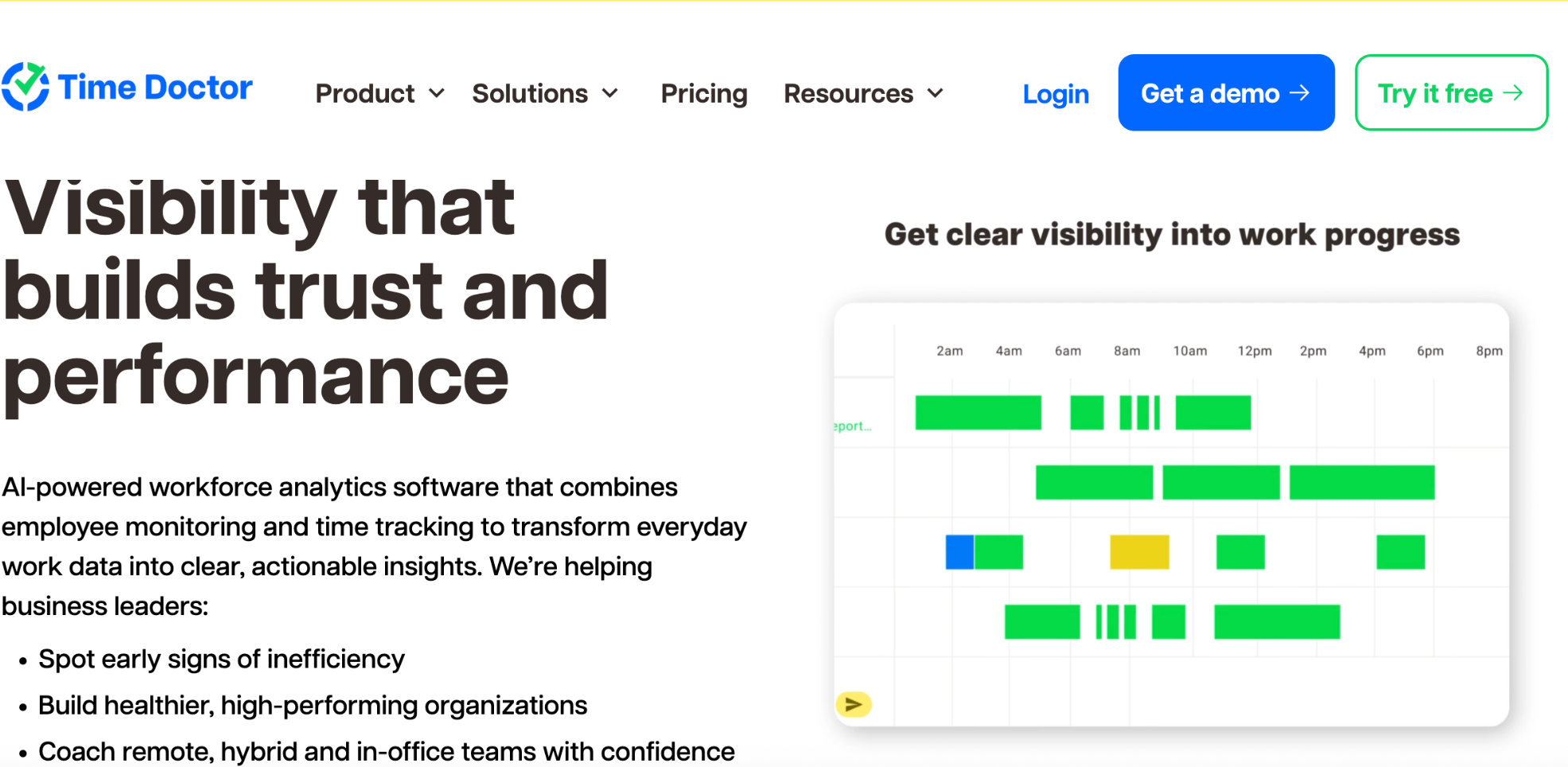
Time Doctor is a workforce analytics platform as much as it is a time tracker. Beyond logging hours, it tracks app and website usage, monitors activity levels, and generates detailed productivity reports. Its AI layer adds a benchmarking tool that compares individual performance against peer patterns, and a recent “unusual activity AI report” that flags anomalies in tracked data automatically.
It’s a good fit for managers of distributed teams who need structured accountability—particularly agencies, BPO companies, and businesses with contractor workforces where proof of work matters.
4. Timely
Best for: Individuals and teams who want AI-assisted tracking without intrusive monitoring
Pricing: $9.99/user/month (billed annually) for the tier that includes their AI categorizing feature
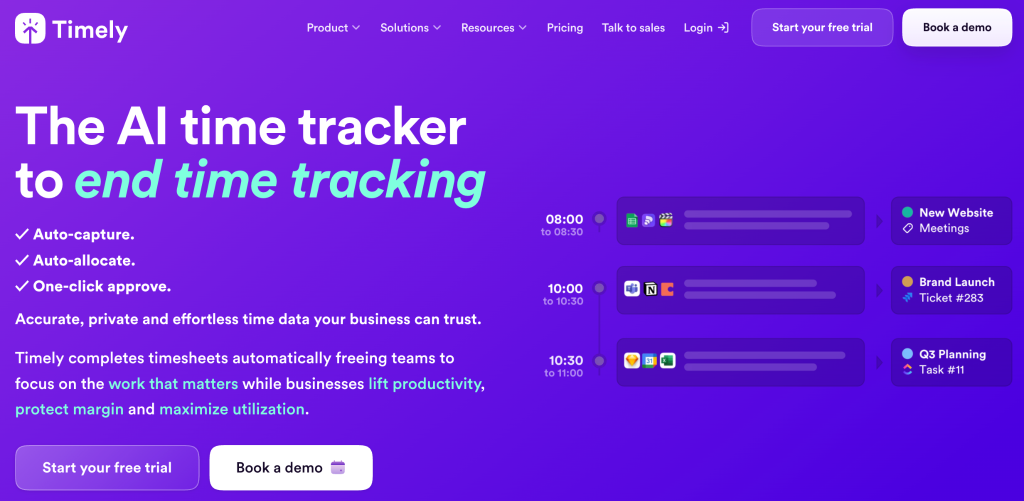
Timely’s Memory Tracker runs silently in the background on Windows and macOS, recording all desktop activity including apps used and websites visited. You review the captured data and drag entries into your timesheet manually, so nothing is submitted without your approval. Over time, the AI predicts which activities to log and which to ignore, reducing the review overhead.
Timely is strong on privacy—employees have full control over what gets submitted—and is particularly well-suited to agencies, consultants, and anyone who bills by the hour and needs airtight records.
5. Hubstaff
Best for: Remote and distributed teams that need detailed workforce analytics
Pricing: $4.99/user/month for the basic Hubstaff plan and an additional $2.50/user/month for the Insights add-on
Hubstaff is a time tracker, but its Insights add-on is the standout: real-time data on utilization, focus time, unusual activity, and work time classification, with a Highlights widget that automatically surfaces fluctuations so managers don’t have to go looking.
The anomaly detection goes further than most—Hubstaff’s AI distinguishes natural work patterns from irregularities, flagging things like mouse jigglers or suspiciously sustained activity levels, with real-time smart notifications when something looks off.
The future of AI in time tracking
So, where exactly is AI time tracking heading?
Honestly, it’s hard to tell, so what follows next is speculation based on current trends and capabilities.
The clearest near-term development is predictive analytics: using historical time data to generate better project estimates before work begins, rather than only analyzing what happened after. If AI can reliably tell you that a task of this type, for this client, typically takes 30% longer than estimated, that’s useful for planning and pricing.
Beyond estimates, personalized productivity insights—AI that understands your individual work rhythm and flags when patterns suggest overwork or diminishing focus—will become standard rather than premium features. The same applies to team-level analysis: surfacing burnout risks, identifying inefficiencies, and distributing workload more intelligently.
Longer term, the most ambitious vision is fully automatic time tracking by project—where the software understands context well enough to attribute time without any user input at all. Several tools are already moving in this direction, but accuracy and privacy remain challenges worth watching.
For now, the highest value is in the gap between data and decisions. AI time tracking software that turns your logged hours into clear, actionable language is already here. Give it a try.

Did you find this article useful? Give it a clap!
Psst! You can clap more than once if you really loved it 🙂