Remote employee monitoring software
Remote employee monitoring software lets managers track time, productivity, and work habits across distributed teams without micromanaging. Here's what it is, how it works, and why it's become standard practice.
The what, why, and how of remote employee monitoring
Discover the fundamentals of what remote work time tracking really is and why smart monitoring is becoming the norm.
The definition of remote work
Remote work means employees perform their duties from a location other than a physical office space. It involves using digital tools, such as remote work time trackers, for productivity.
Why all the buzz around remote work?
The demand for remote work is growing as people want more flexibility. Tools like work from home monitoring help ensure accountability and transparency.
Why is remote employee monitoring necessary?
With remote work on the rise, remote employee monitoring apps help employees stay on task and meet their goals, even without in-person oversight.
How the pandemic made work from home mainstream
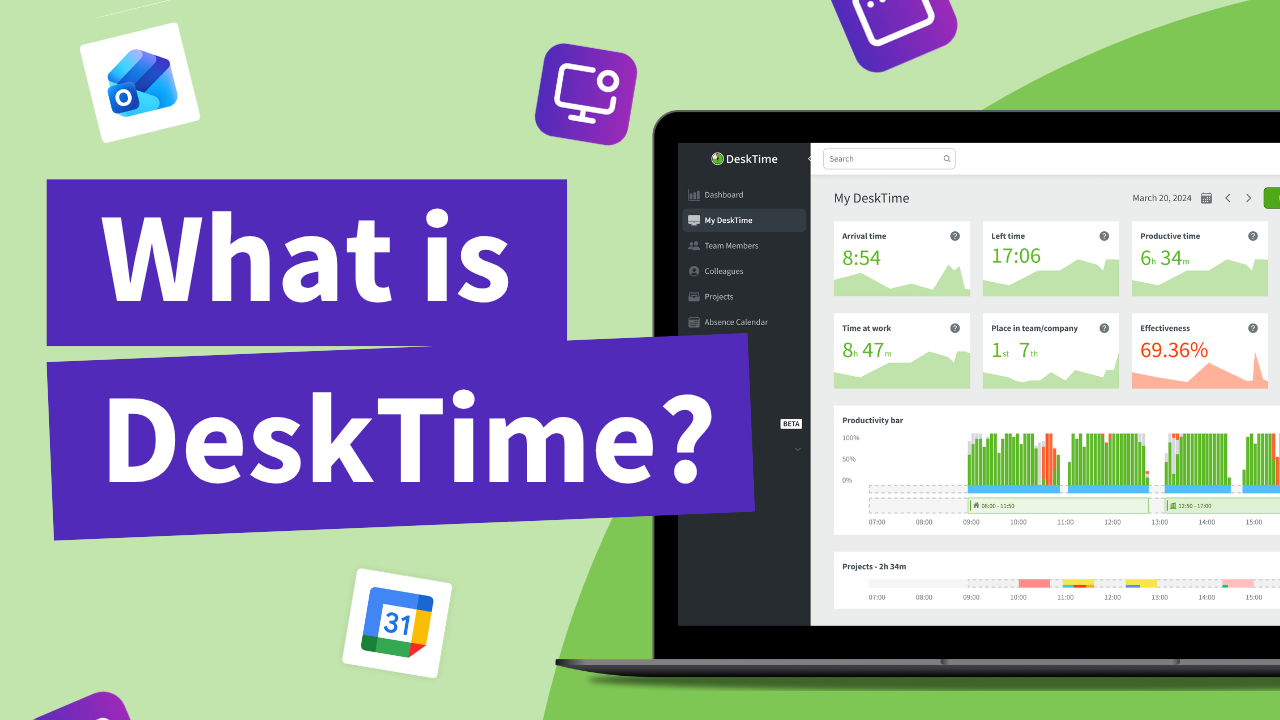
Remote employee monitoring tools have been around for a long time, but when remote work took off globally during the COVID-19 pandemic, apps like DeskTime became a mainstay in many companies’ tech stacks.
While remote work started as a necessity, it quickly became a preferred way of working for many employees, thanks to accessible tech tools like video calls, cloud storage, and remote work time tracking apps. Even as return-to-office (RTO) debates continue, studies show employees overwhelmingly favor the flexibility and freedom of remote work, making it a lasting part of modern work culture.
workers say they are more productive
when working remotely
lower attrition in hybrid workers than
full-time office staff
Americans say they would quit over a
non-negotiable RTO mandate
How does remote employee monitoring software work?
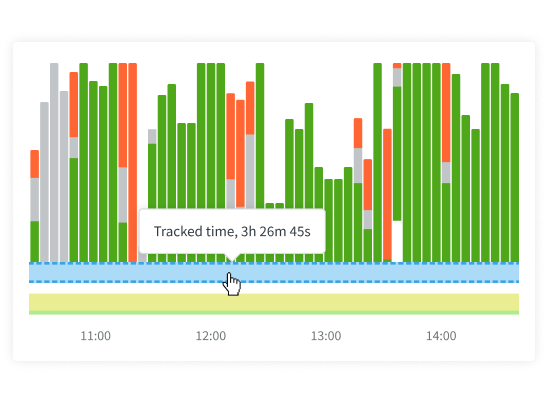
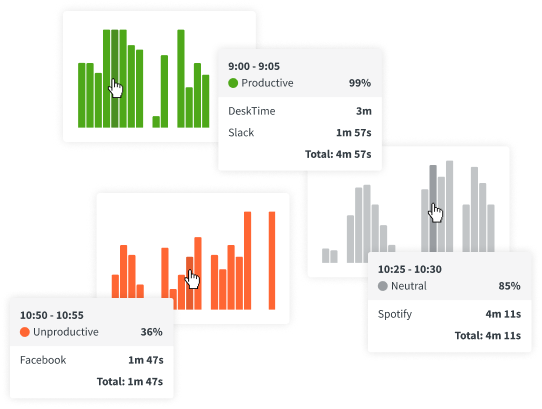
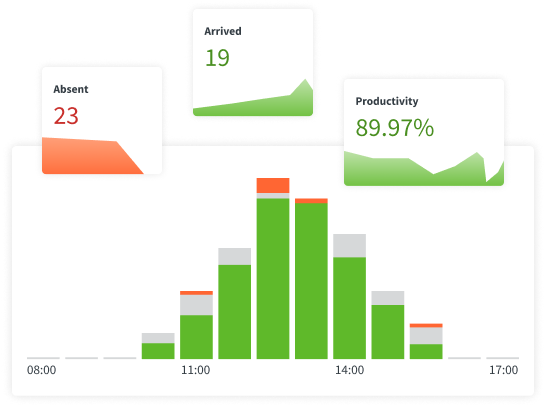
Remote employee monitoring tools capture data on time spent on tasks, websites visited, and application usage, providing insights into work habits and efficiency. By offering real-time feedback and detailed reports, they help employers identify potential issues, improve workflows, and support employees in staying focused, making remote work more structured and productive.
How to choose the best remote monitoring software for employees
Successfully managing a remote team requires the right tools. When choosing a remote work time tracker, the first step is to decide whether you want an automatic or a manual tracker.
Manual time tracking will allow for more freedom and flexibility; however, manually inputting hours can quickly become an extra chore for your employees.
Automatic remote employee time tracking apps like DeskTime, on the other hand, won’t require any extra work from your team. An automatic tracker starts up when your employees turn on their computers and stops tracking once they’re done for the day.
Remote work data
Discover the types of data you can track and analyze with DeskTime’s remote staff monitoring software.
What are the advantages of remote employee time tracking?
What are the disadvantages of remote employee time tracking?
Promoting wellness through remote work time tracking
Employee-friendly policies like flexible hours or workations can boost satisfaction, while also improving transparency and accountability across your team. Here’s how we do it at DeskTime.
Flexible working hours
Since our company's very beginnings, DeskTime employees have been able to start work anytime between 7:00 AM and 11:00 AM. This flexibility supports better work-life balance and productivity. Paired with remote employee monitoring software, it helps track hours fairly while giving employees control over their daily routines—no need for micromanagement.
Shortened work week
At DeskTime, we follow a shortened workweek instead of the usual 40 hours. In winter, we work 35-hour weeks, and in summer, it's further reduced to 33 hours. Combined with remote staff monitoring software, this setup allows us to stay productive while enjoying more personal time and maintaining accountability across the team.
Remote or office?
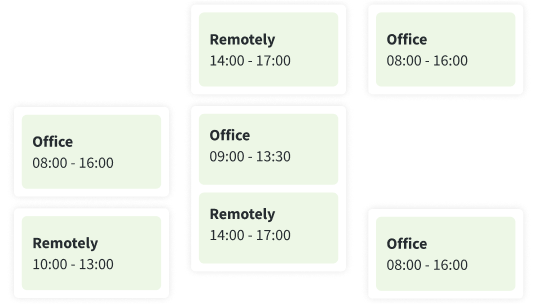
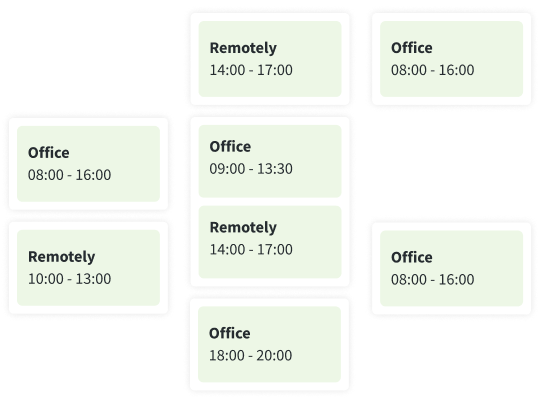
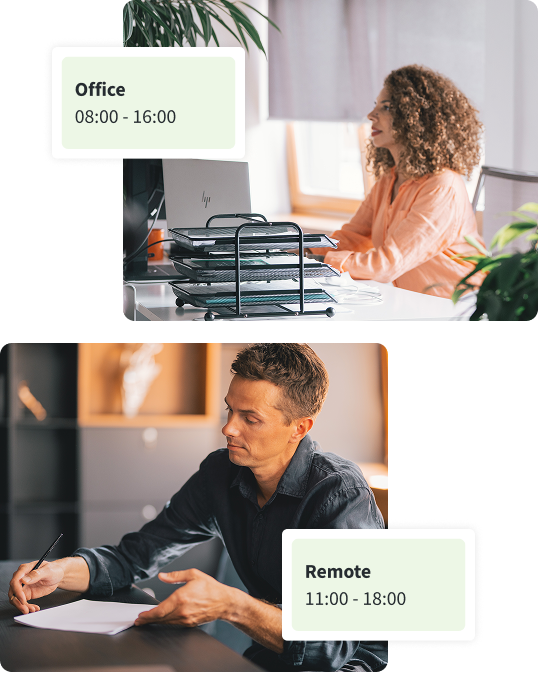
At DeskTime, we don’t have to choose! Our Work Schedules feature allows us to keep up with who’s in the office and who’s working remotely. This flexibility is backed by remote workforce monitoring software, helping managers coordinate teams effectively, no matter where people are working—from the office, home, or somewhere in between.
Introducing remote employee time tracking software to your team
If you’re thinking about tracking your team’s time, take a cue from Skrivanek. This language solutions agency started using DeskTime to monitor remote employees. Here’s how they introduced the tool smoothly and got their team on board.
Time is money—DeskTime’s staff monitoring software will help you save both
Our employee tracking software will help you and your team manage your resources wisely, so why not try it out today?
Integrations with popular work tools
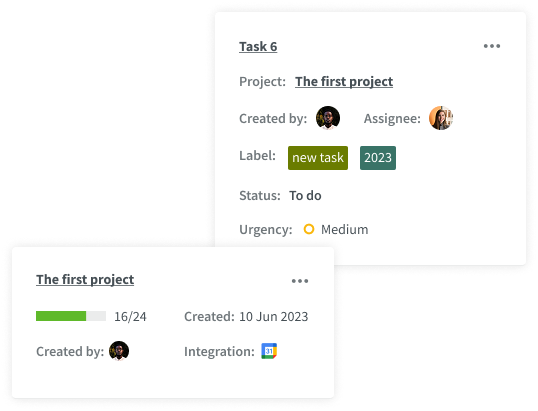
From calendar apps to help you track offline time, to project management software to make project and task tracking accurate, while effortless. DeskTime can simplify every aspect of your workflow.
Built to meet global standards
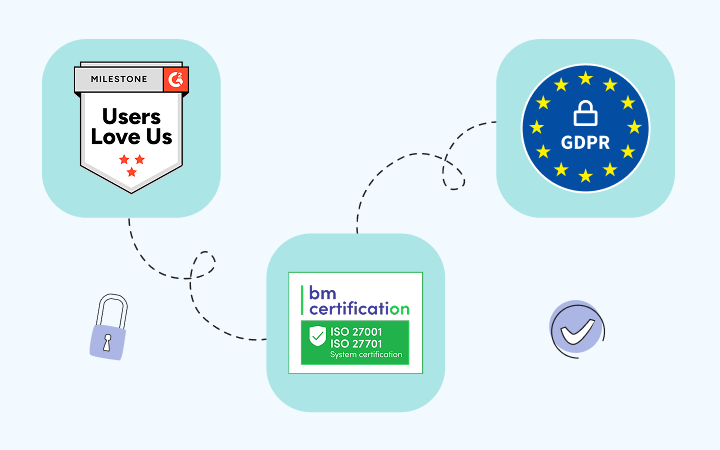
DeskTime complies with top-tier international data protection protocols, delivering a secure and seamless time tracking experience trusted by teams big and small worldwide.
Our practices align with ISO 27001 and ISO 27701 standards, ensuring robust information and privacy management across our systems.
The services provided by DeskTime and the data generated using the application comply with the rules set by GDPR.
Visit our Privacy Policy to learn what data we collect, how we use it, and how we protect your privacy.
All data that DeskTime users share with our servers is encrypted both in transit and at rest by default.
Users can add an extra layer of security to their account by enabling two-factor authentication in their profile settings.
With a system uptime of 99.95%, DeskTime ensures maximum reliability through continuous, restorable backups.
Frequently asked questions about remote employee monitoring software
Work from home monitoring also helps spot problems early, like low productivity or overload. The goal isn’t to spy, but to support your team and keep work running smoothly, even when everyone is working from different places.
Time tracking for remote employees is also common, helping managers see when work starts and stops. Remote employee time tracking gives a clear picture of daily productivity without needing constant check-ins. These tools help companies stay organized, support their teams, and make sure work is getting done, even from different locations.
Make sure the software tracks only work-related tasks and offers employees control over what’s tracked. Remote employee time tracking should help improve productivity, not create stress or micromanagement. Be clear about expectations and always prioritize trust and open communication with your team when using these tools.
Remote employee monitoring software like DeskTime does this by running in the background and logging work time automatically. Remote employee time tracking tools should also be flexible, so they fit different work styles. The right software helps everyone stay on the same page, no matter where they work.
Remote monitoring software for employees should be used in a fair and respectful way. It’s also helpful to explain why you’re using remote staff monitoring software—to improve productivity and support the team. Being honest and transparent helps build trust and keeps your company on the right side of the law.
Keep the setup simple and don’t micromanage—trust your team to do their job. Use remote monitoring software for employees to spot issues early and give support when needed. Always respect privacy and use the data to help, not punish. The best results come from clear rules, good communication, and software that works for everyone.