Your DeskTime guide
New to our productivity monitoring app? Here’s everything you need to know to boost your team productivity with us.
But how does it actually work?
With our productivity monitoring tool, you’ll be able to keep track of what your team is working on. No more guessing—you’ll know how much time they spend on specific projects and tasks, and you’ll be able to quickly identify time leaks.
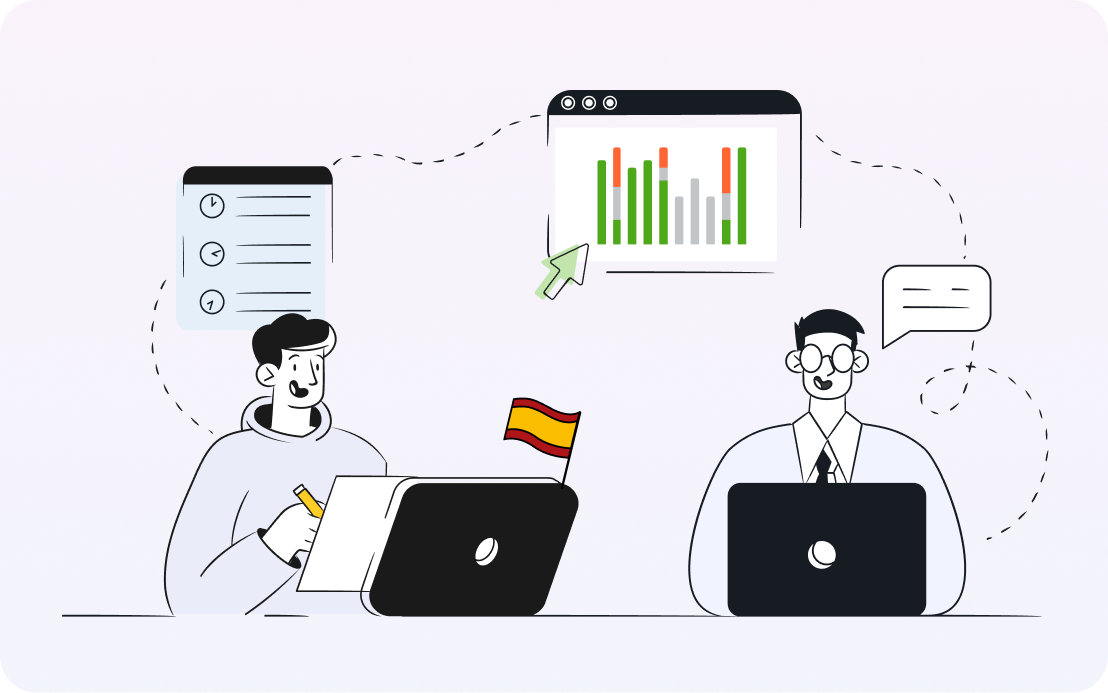
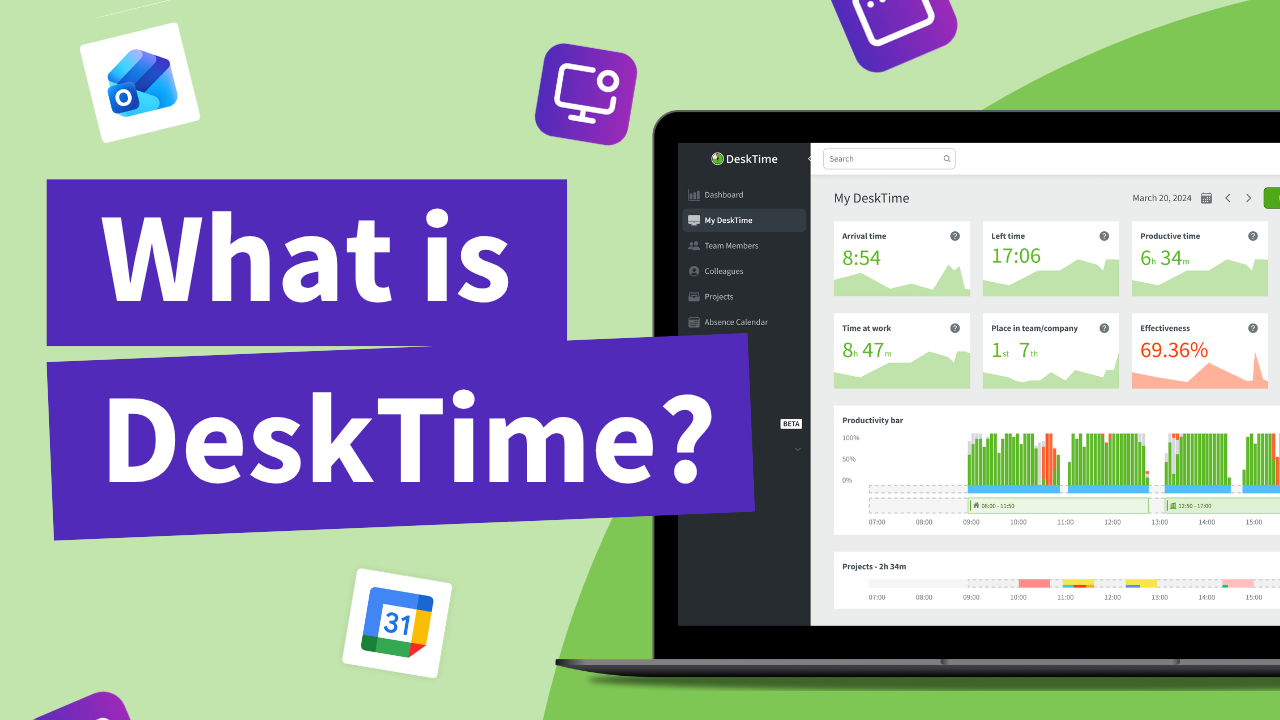
With DeskTime, you can see your employees' arrival and departure times, analyze their productivity, schedule shifts, oversee absences, maintain a healthy work-life balance, keep track of specific projects, and more.
Effortless productivity tracking?
You’re looking at it.
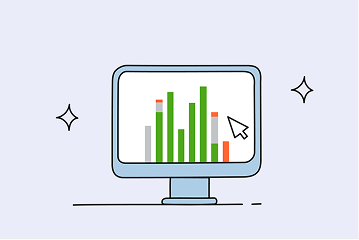
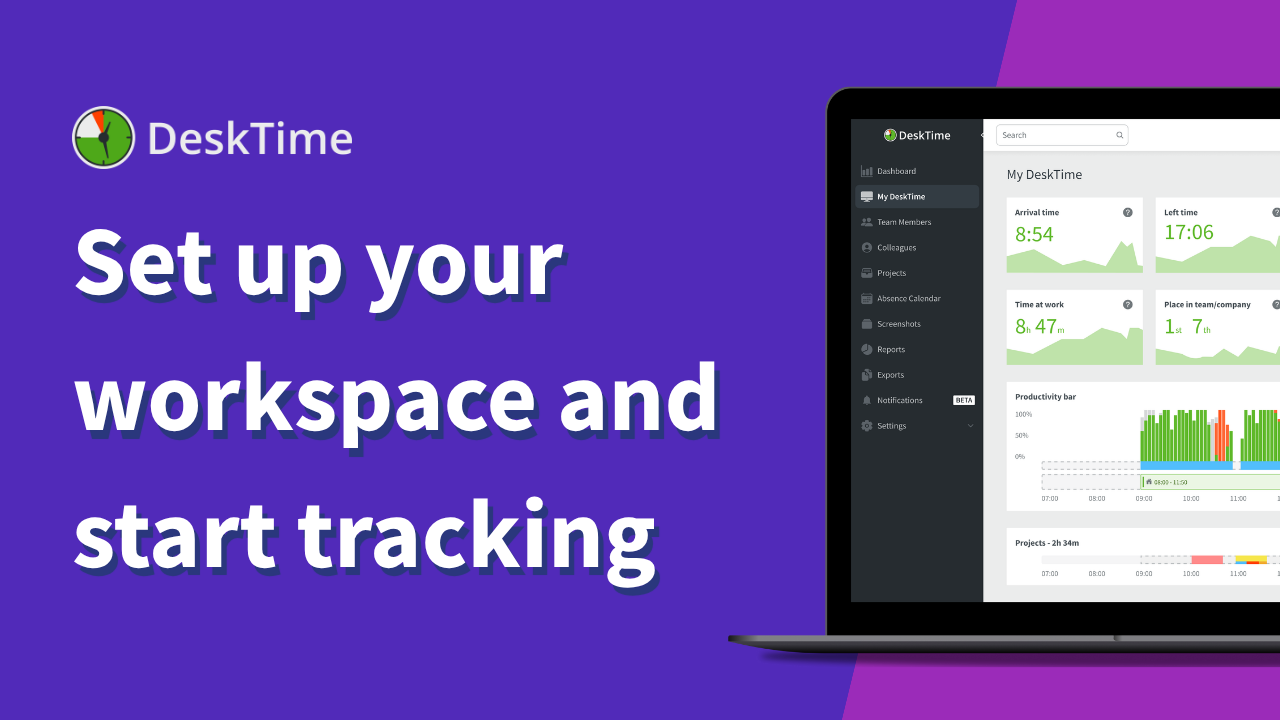
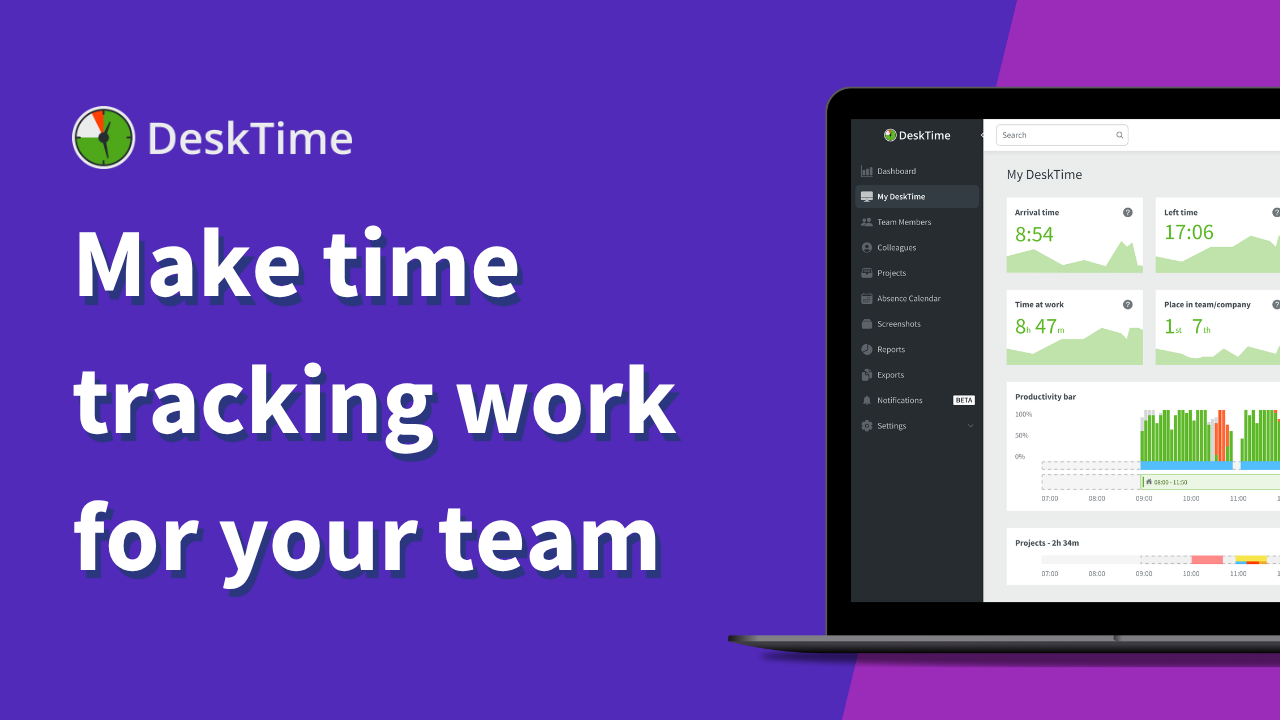
No need to dig through pages of data to get an overview of how your employees are doing. Head over to our DeskTime dashboard to see a rundown of your team’s daily activities—who’s at work, who’s late, who’s productive, or slacking off.
Track what matters, your way
DeskTime is a highly customizable tool, which means you can tailor it completely to your needs.
Whether it's fine-tuning Screenshot settings or integrating DeskTime with your favorite project management tools, you can modify our DeskTime app to fit your exact requirements and give you the insights that really matter to you.
Learn more about how DeskTime settings work and how to tailor them to your needs.
Get your team on DeskTime
Time tracking can be a win-win situation for you and your team—if you approach it right.
“Everything depends on how you communicate—you have to be transparent and upfront during the interview stage that this time tracking app is a part of the company culture.”
Arturs, Business development manager at Skrivanek
Get a sense of your employees’ performance
Need more help with setting up DeskTime?
We got you.
If you’re struggling with something in your DeskTime journey, check out our FAQ section—you’ll find helpful guides and answers to all your questions.
Take a look at our DeskTime blog to find out the latest tips and tricks on the best time tracking and productivity practices.
Want to chat with one of our DeskTime experts? No problem—just head over to our Contacts page.