Integrating Google Calendar with DeskTime time tracking software
Prevent double bookings and keep your team aligned with synchronized schedules between DeskTime and Google Calendar. My DeskTime
Sync smarter, lead better
Here’s how the Google Calendar and DeskTime integration helps you track meetings, log absences, and keep your team in sync.
See who’s where, fast
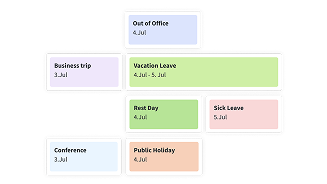
Get instant visibility into your team’s meetings, events, and absences. No chasing or guesswork.
Forget duplicate scheduling
Add your absences to one calendar and see them in both. DeskTime and Google Calendar stay perfectly in sync.
Track offline time
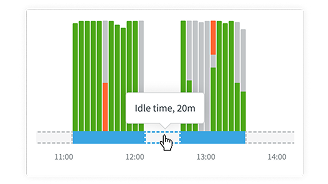
Automatically log meetings and off-desk work so every billable minute is accounted for.
Want to get the most out of your time? Try DeskTime for free!
The time tracker trusted by 50K+ businesses and embraced by 730K+ users.
How the Google Calendar integration works
Easily connect Google Calendar to DeskTime and take the hassle out of tracking meetings and team availability.
Use with these tools
Stay on top of absences, offline hours, and team activity with seamless Google Calendar sync.
Manage vacations, sick days, and requests with DeskTime’s Absence calendar for smooth team scheduling.
Capture every task with Offline time tracking, from meetings to brainstorms, even when away from the computer.
Stay on top of your team with the User Dashboard, tracking absences, offline work, and who’s working when.
Why choose DeskTime?
The most automatic and customizable time tracker on the market, built to power modern, hybrid teams with speed and simplicity.
Explore our Demo account
Want to see the ins and outs of DeskTime before signing up?
Try out our free Demo account!
Discover DeskTime