


Top 15 best offline time tracking software tools

Offline time tracking software records work hours without an internet connection, storing the data on your device and syncing it once you’re back online. It matters anywhere connectivity is patchy or absent — construction sites, hospitality floors, basements, planes, or a coffee shop with flaky Wi-Fi—so hours still get billed accurately and no one works unpaid.
Below are 15 offline time tracking tools worth a look—from simple, no-frills timers to feature-rich platforms — with how each one handles offline mode, the platforms it runs on, and who it suits best.
How offline time tracking actually works
Most tools handle offline mode the same way: the app keeps recording on your device while you’re disconnected, then syncs the data to your account the moment you’re back online. The real differences come down to two things—whether tracking is automatic (the app keeps running in the background) or manual (you add the hours yourself), and whether it runs on mobile, desktop, or both. The table below sorts the 15 tools on exactly that.
Offline time tracking software at a glance
Who needs offline time tracking?
- Field and construction crews working on sites with no signal, where hours and location still need to be captured.
- Hospitality and retail staff in venues with dead zones — basements, storerooms, or thick-walled buildings.
- Remote workers and travelers who work on planes, trains, or from places where the connection drops.
- Anyone billing clients who can’t afford to lose a block of tracked time to a dropped connection.
Want to get the most out of your time?
Try DeskTime for free!
Try free for 14 days · No credit card required.
By signing up, you agree to our terms and privacy policy.
1. DeskTime
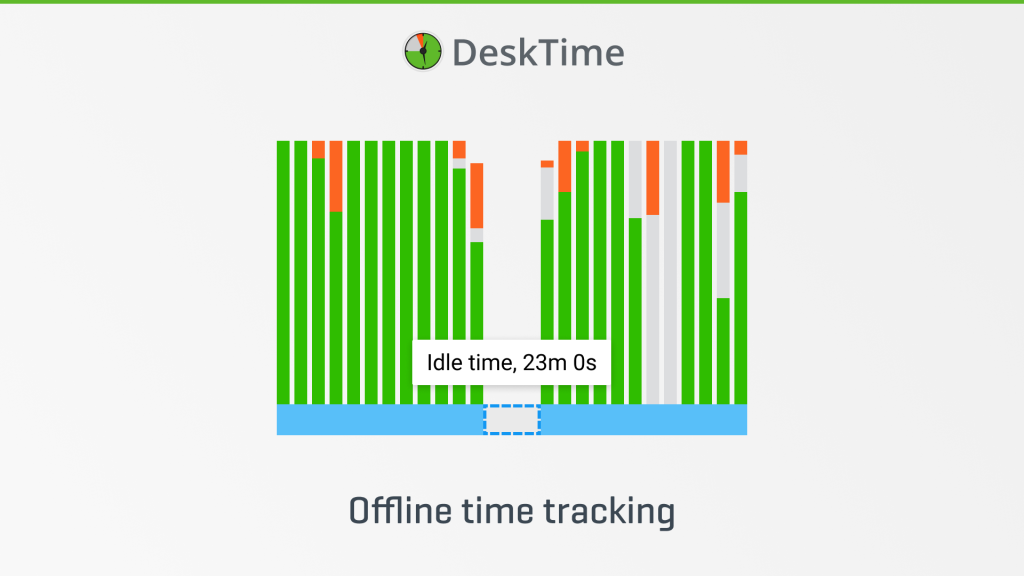
DeskTime is, first and foremost, an automatic time tracker. It runs quietly in the background and turns work into productivity data on its own—no need to manually start or stop timers. That’s its main job, and if your WiFi cuts off, it can also sync locally tracked hours to the cloud. However, it also includes features dedicated for tracking work that happens away from the computer.
You can add hours manually, use the timer on website or mobile app, or sync your calendar with DeskTime so it automatically adds your appointments as work time. Each entry can be tagged productive, unproductive, or neutral, so those hours still show up in your reports alongside everything tracked automatically.
Platforms: Windows, macOS, Linux, iOS, Android
Offline behavior: Log off-computer hours with manual entry, the web timer, or calendar sync; tag each as productive, unproductive, or neutral.
Offline limits & notes: Automatic tracking runs online; the options above cover the hours worked off-screen.
Free trial: 14-day free trial with all DeskTime features.
Pricing: $7/user/month
Best for: Mostly-online teams that want automatic productivity tracking, plus a clean way to add the hours spent offline.

Looking for an offline time tracker that also boosts your team’s productivity?
Check out DeskTime – it’s kind of cool.
2. Clockify
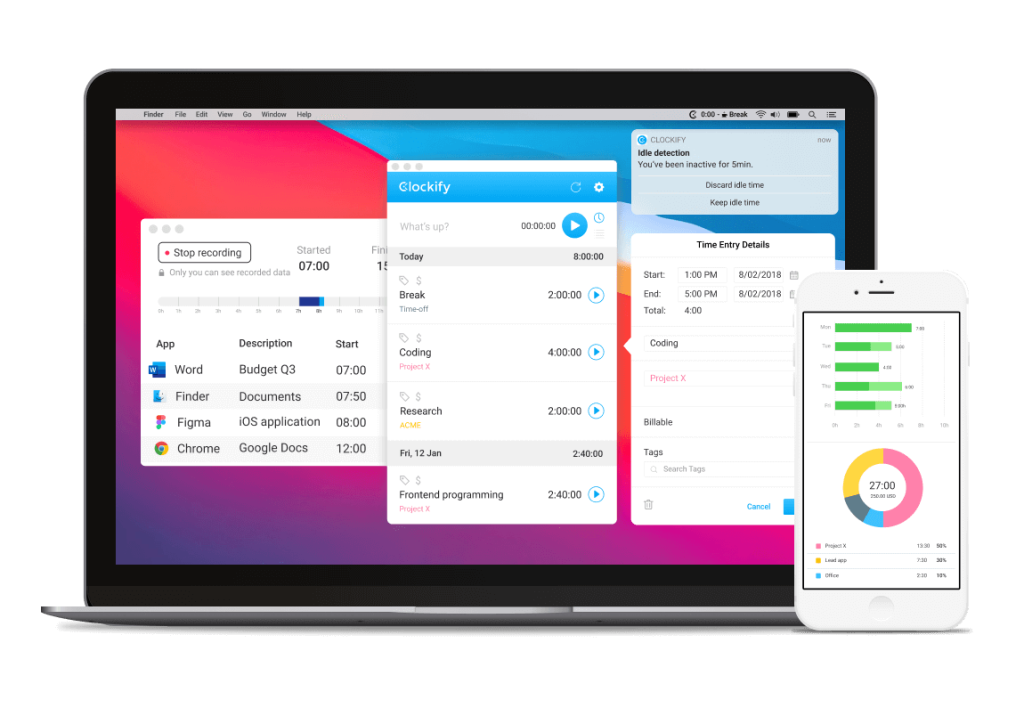
Clockify might be one of the best-known time tracking software with a free version on the market, and it also offers offline time tracking. It is a relatively simple time tracker that functions as a stopwatch, and it allows its users to track offline work through Clockify apps—a mobile version for iOS or Android and desktop apps for Mac, Linux, or Windows.
Platforms: Windows, macOS, Linux, iOS, Android (+ web app, browser extension)
Offline behavior: Timer runs offline; entries are stored locally and sync automatically when back online.
Offline limits & notes: Offline mode is a basic stopwatch-style timer; detailed features need a connection.
Free trial: 7-day PRO trial.
Pricing: Free plan available; Basic from $3.99/user/month.
Best for: A free but basic offline time tracker.
3. Jibble
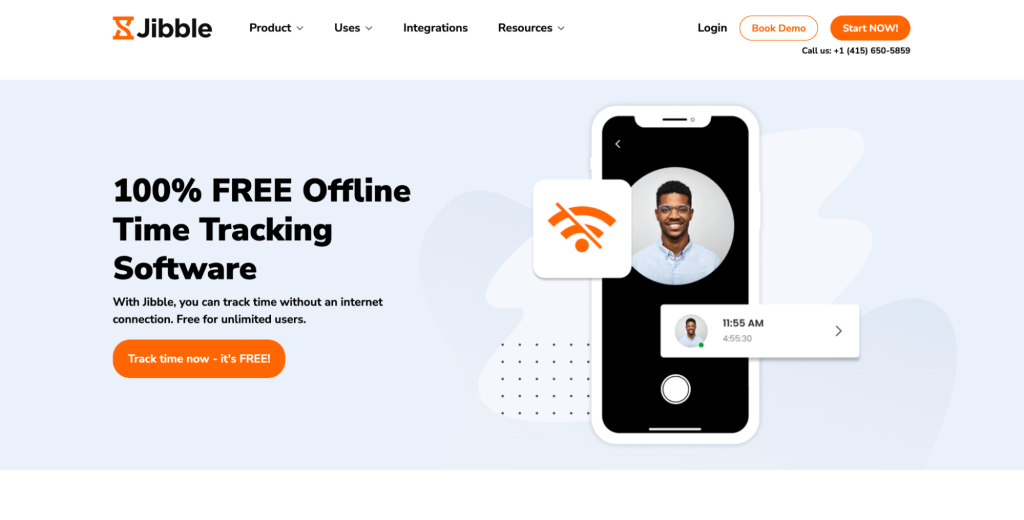
Jibble is another time tracking tool that positions itself as 100% free. It is to some extent, but additional features require having a paid version of the tool. Jibble is primarily a timesheet app and takes pride in its mobile version that offers facial recognition and GPS tracking – beneficial to those working on the go.
When it comes to offline time tracking, it’s offered by Jibble’s mobile and desktop apps that continue tracking your work hours even when the internet connection is unstable or non-existent. Moreover, Jibble’s unique mobile face recognition and GPS tracking continue to function offline.
Platforms: iOS, Android, Windows, macOS
Offline behavior: Automatic on mobile and desktop; data syncs on reconnect. GPS and face recognition work offline.
Offline limits & notes: GPS and facial recognition need location and camera permissions.
Free trial: 14-day free trial on paid tiers.
Pricing: Free plan available; premium from $3.99/user/month.
Best for: Mobile-first offline tracking that also needs GPS.
4. Atto
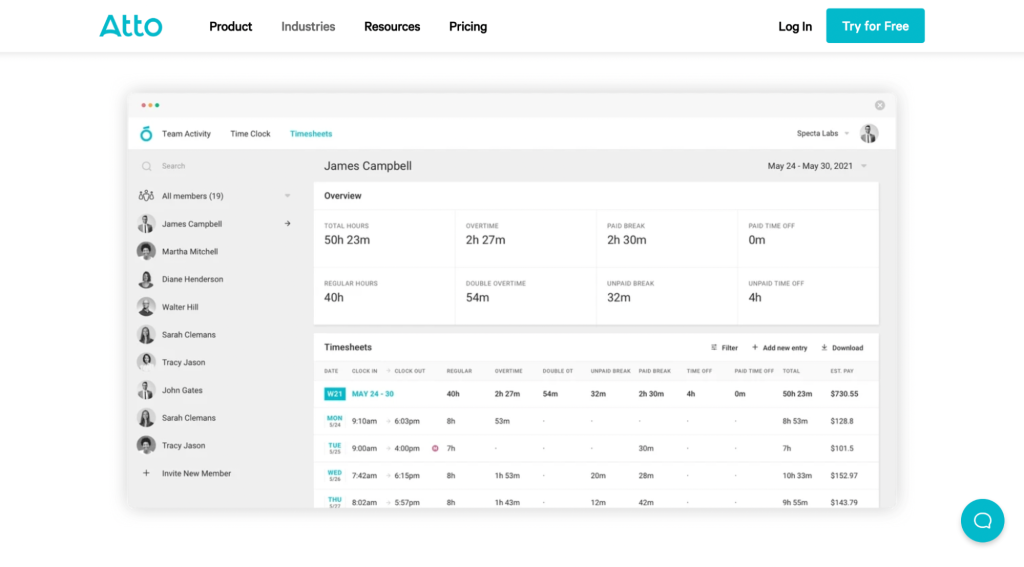
Atto is another time tracking software that enables tracking work offline. The software operates via mobile and desktop apps, and when offline, a user can clock in and out, add and change jobs, start a break, and add notes.
Platforms: iOS, Android (+ desktop)
Offline behavior: Manual clock in/out, breaks, job changes, and notes offline; syncs on reconnect.
Offline limits & notes: Offline actions are limited to time capture; richer features are online.
Free trial: 14-day free trial.
Pricing: From $7.95/user/month.
5. Workyard
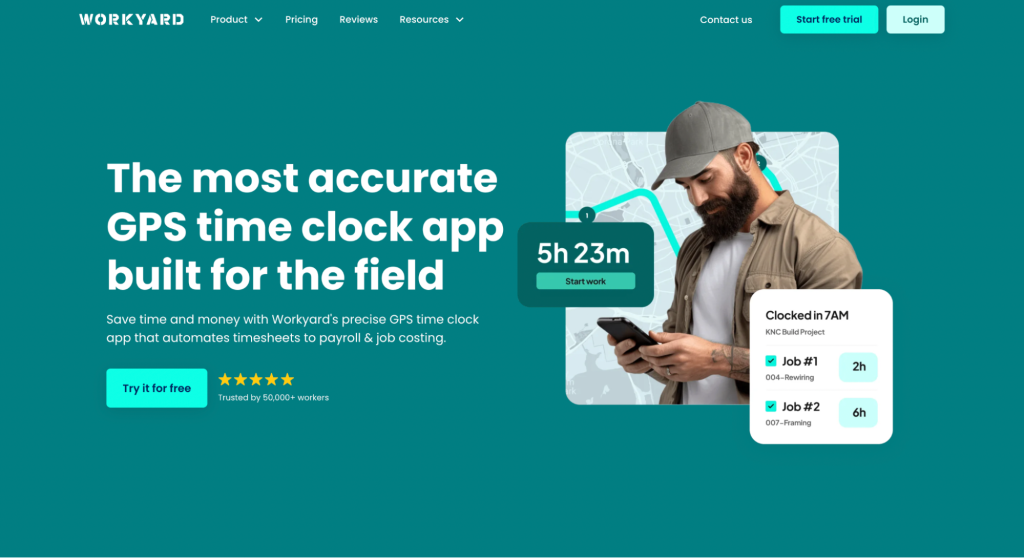
Workyard is aimed primarily at field teams—for example, in construction. Employees can clock in and out and take breaks offline, and it tracks employee location even offline: managers can’t see it live, but the GPS data is stored on the phone and syncs once the device reconnects.
Platforms: iOS, Android (field mobile)
Offline behavior: Automatic; time and GPS captured offline, stored on the device, synced when back online.
Offline limits & notes: Location isn’t visible to managers until the phone reconnects; continuous GPS is a privacy point to communicate to field staff.
Free trial: 14-day free trial.
Pricing: From $6/user/month.
Best for: Field teams that need employee GPS location during work time.
6. Toggl Track
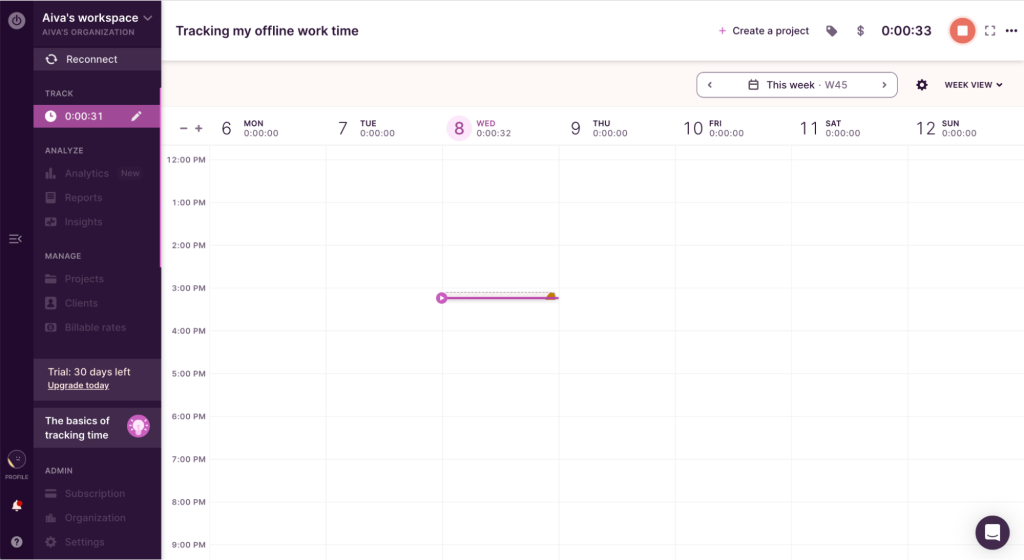
Toggl Track software is very well-known in the sea of time tracking tools. It runs via mobile, desktop, web apps, and a browser extension, and its web and desktop apps work offline—tracked data is stored locally and synced when you go back online.
Offline mode is automatically enabled whenever the user is not connected to the Internet. When offline, you can start and stop the manual work time tracker. However, other features, such as reports, projects, and more, are only accessible when online.
Platforms: Windows, macOS, Linux, iOS, Android, web, browser extension
Offline behavior: Manual timer works offline on web and desktop; data stored locally and auto-syncs on reconnect.
Offline limits & notes: Reports, projects, and other features are unavailable offline.
Free trial: 30-day Premium trial.
Pricing: Free for up to 5 users; Starter around $9/user/month.
Best for: A basic offline timer that runs on your computer.
7. ClockShark
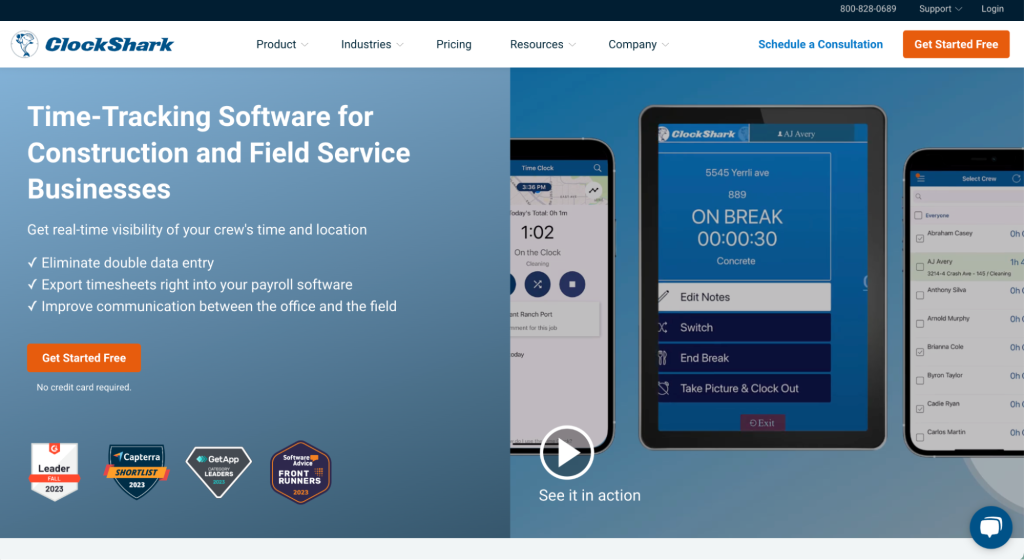
ClockShark is a tool offering offline time tracking aimed at field teams working in the construction business. In such an industry, work objects can be located in remote areas without WiFi or even cell service, thus, offline time tracking enabled via mobile apps is especially useful.
ClockShark’s offline time tracker will monitor employee work time and location and allow them to clock in and out. Then, when the device connects to the Internet, employees can sync their data so it’s visible to their managers.
Platforms: iOS, Android (field mobile)
Offline behavior: Automatic; time and location tracked offline, synced when the device reconnects.
Offline limits & notes: Requires GPS tracking permission—communicate clearly with your team about what’s tracked.
Free trial: 14-day free trial.
Pricing: From $20/user/month.
Best for: Field crews in areas with no signal.
8. Time Doctor
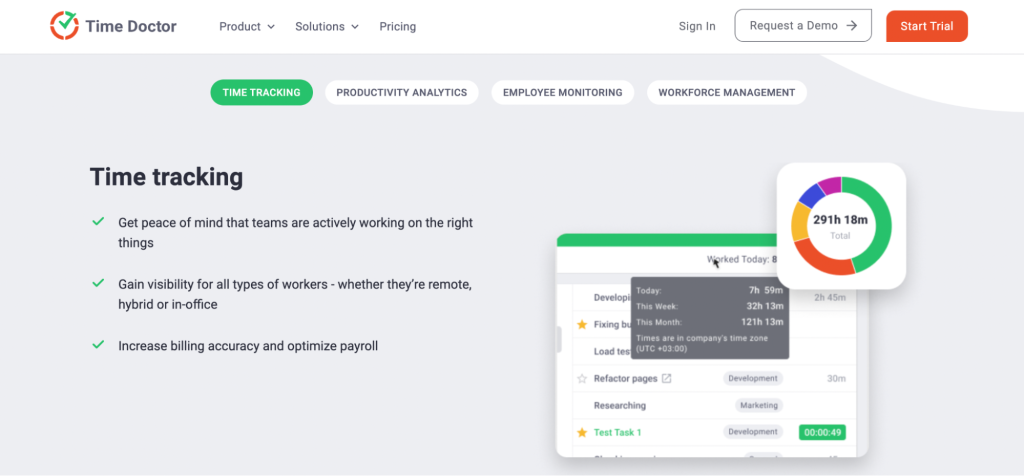
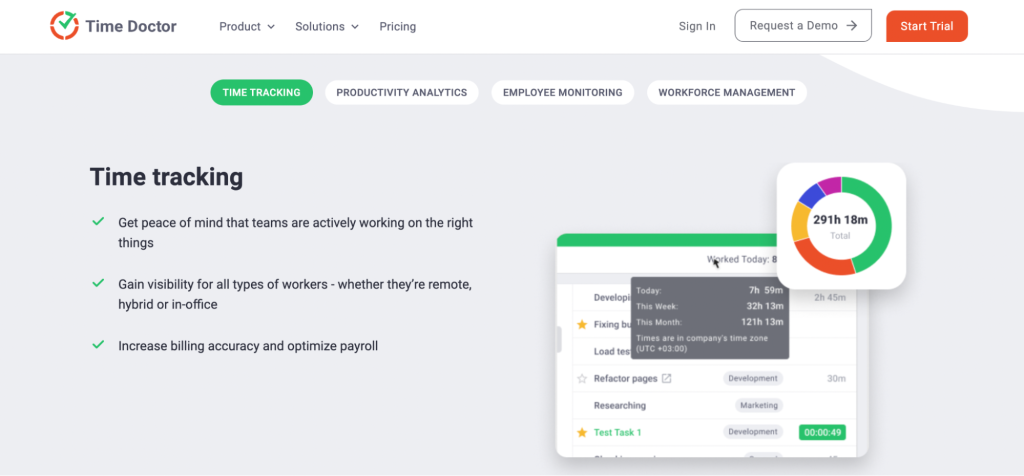
This list of offline employee monitoring software tools would be incomplete without mentioning Time Doctor – a time and productivity tracker. It tracks work hours offline, storing the data locally and syncing with its servers once you reconnect.
Platforms: Windows, macOS, Linux, iOS, Android
Offline behavior: Automatic; stores tracked data locally offline and syncs when back online.
Offline limits & notes: Some reports and features need a connection.
Free trial: 14-day free trial.
Pricing: Basic from $5.90/user/month.
Best for: Offline tracking plus a deep set of online features.
9. Desklog
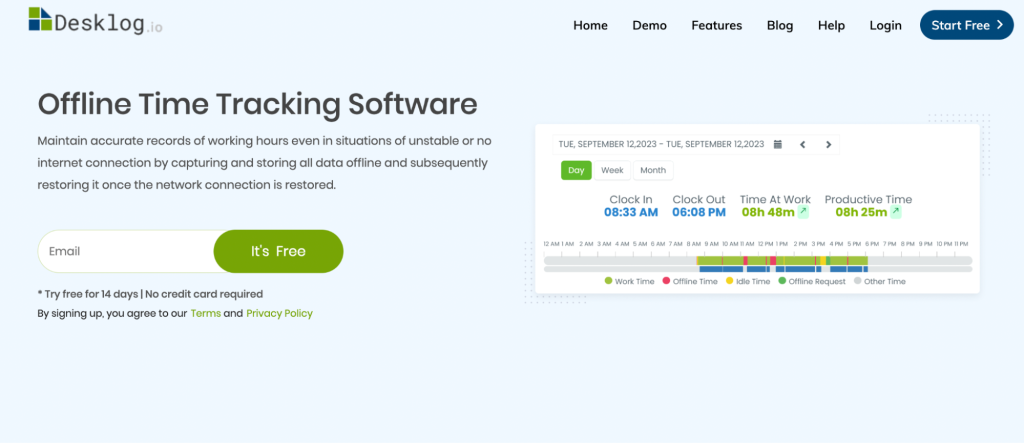
Desklog offers a pretty good free version and claims that all of its features are available even when tracking time offline. It records work time and productivity data locally, then synchronizes when back online.
Platforms: Windows, macOS, Linux
Offline behavior: Records offline and syncs on reconnect.
Free trial: 14-day free trial.
Pricing: Business from $3.50/user/month.
Best for: Budget-friendly offline tracking with productivity data.
10. timeTracko
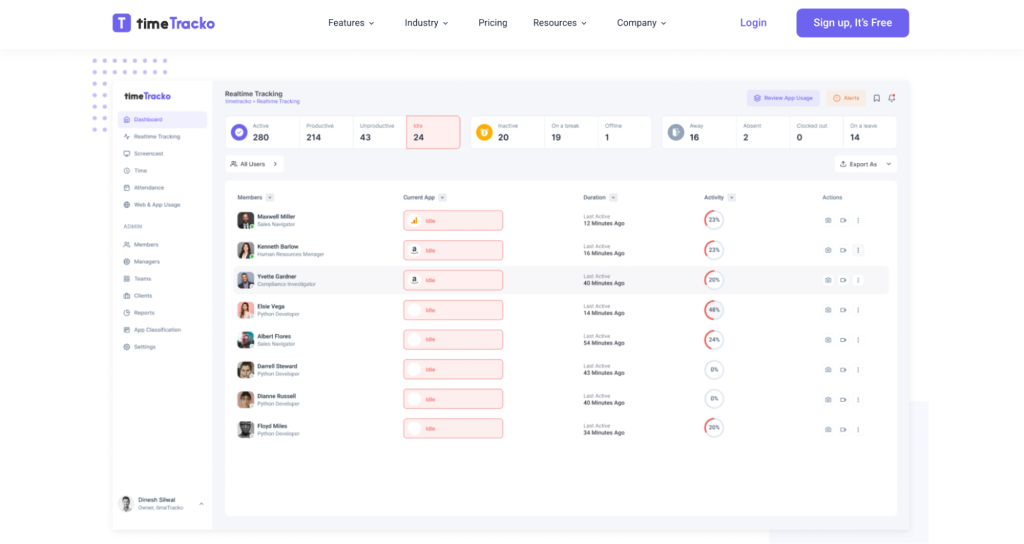
timeTracko is a workforce analytics and productivity software that, besides online-supported features such as automatic time tracking, employee screen, and activity level monitoring, also has an offline time tracking feature. When tracking employee offline work, the data is stored locally and uploaded as timeTracko connects to the Internet to provide a comprehensive analysis of employee performance.
When offline, the software enables more than just clocking in and out for employees—it tracks the apps used on one’s computer and creates auto screenshots (the data is visible to managers when the online connection is restored).
Platforms: Windows only
Offline behavior: Automatic; tracks apps and takes auto screenshots offline, syncs on reconnect.
Offline limits & notes: Includes monitoring features like screencast and keystroke count
Pricing: Currently available as a beta version
Best for: A free, Windows-friendly monitoring tool.
11. RescueTime
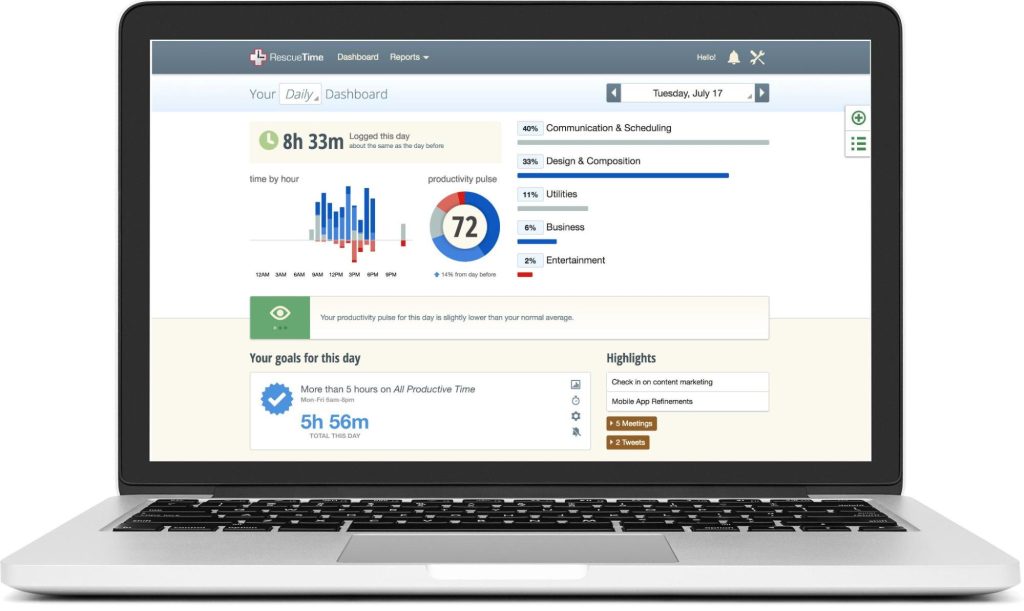
RescueTime positions itself as an automated timesheet and time-management tool, and it’s known for its focus feature, Focus Sessions. Offline tracking lets employees add details about offline activities so nothing goes unaccounted for and unpaid, with optional prompts to remind you to log offline hours. For teams that also need project tracking and absence management, see RescueTime vs. DeskTime.
.latforms: Windows, macOS, Linux, iOS, Android
Offline behavior: Manual; add details about offline activities after the fact, with customizable prompts and alerts.
Offline limits & notes: Offline tracking is a premium feature and is manual, not automatic.
Free trial: 14-day free trial.
Pricing: From $6.50/user/month.
Best for: Combining offline logging with focus-boosting features.
12. TimeCamp
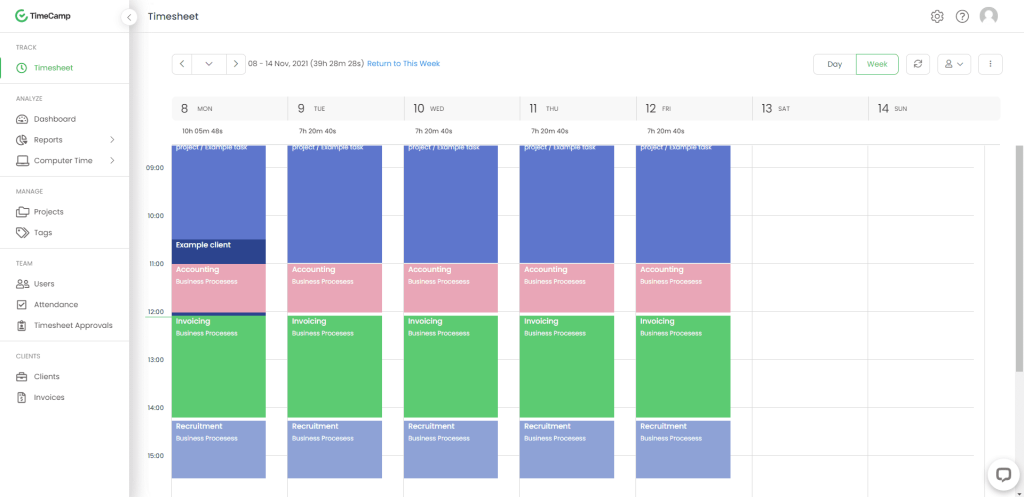
TimeCamp‘s offline tracker enables users to record and submit their work for approval when the connectivity is established. However, TimeCamp’s offline feature does admit to having some limitations. For example, the user has to manually sync the recorded offline time when the Internet connection is restored. Otherwise, the hours tracked will not be recorded. DeskTime stores offline time automatically; the full TimeCamp alternative comparison explains the difference.
Platforms: Windows, macOS, Linux, iOS, Android
Offline behavior: Records offline, but you must sync manually when back online.
Offline limits & notes: Analytics and specific reports need a connection; if you don’t sync manually, the offline hours aren’t saved.
Free trial: 14-day free trial.
Pricing: From $3.99/user/month (billed annually); free forever plan available.
Best for: A budget offline app with a decent free forever plan.
13. TMetric
TMetric provides an automatic offline time tracking feature, meaning that if you lose the Internet connection or don’t have it, you can still record your work hours and add tasks so that no minute of offline work goes unnoticed.
Platforms: Windows, macOS, Linux, web, iOS, Android
Offline behavior: Automatic offline tracking; records hours and tasks with no connection, syncs on reconnect.
Offline limits & notes: Task and project management features are online.
Free trial: 30-day free trial.
Pricing: Free forever plan; Professional from $5/user/month.
Best for: Offline tracking plus useful task management (online).
14. Traqq
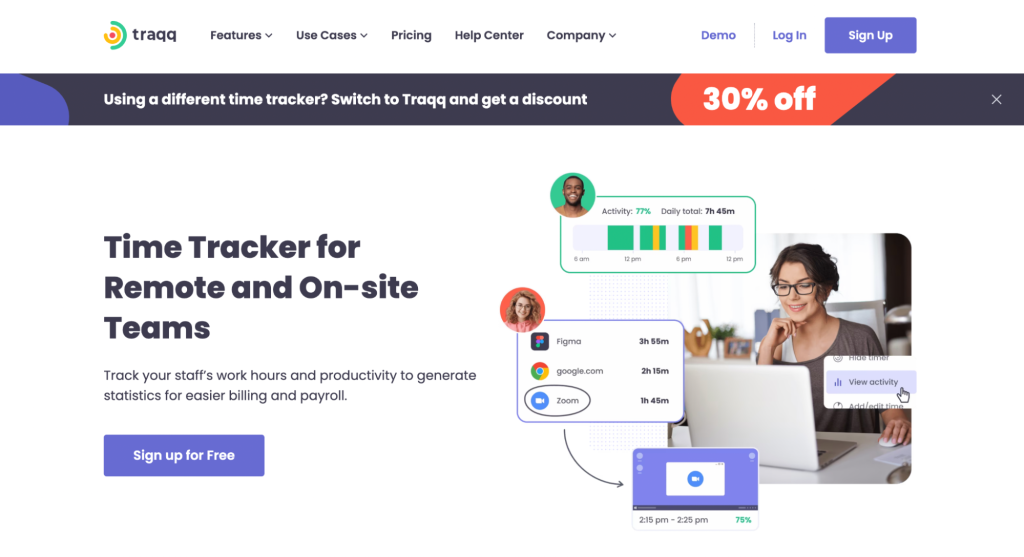
Another tool that succeeds in combining offline and online time tracking is Traqq. To track offline, you press Start manually and it runs in the background, recording work hours regardless of connection. It also captures activity levels and takes random screenshots offline, storing the data securely on the computer and syncing when the connection returns.
Platforms: Windows, macOS
Offline behavior: Automatic once started; captures activity and random screenshots offline, synced on reconnect.
Offline limits & notes: Screenshots and activity monitoring are privacy-sensitive—communicate to staff.
Free trial: 21-day Premium trial.
Pricing: Free forever for up to 3 users; Premium Teams from $6/user/month.
Best for: Small teams (up to three) will appreciate the free plan.
15. Apploye
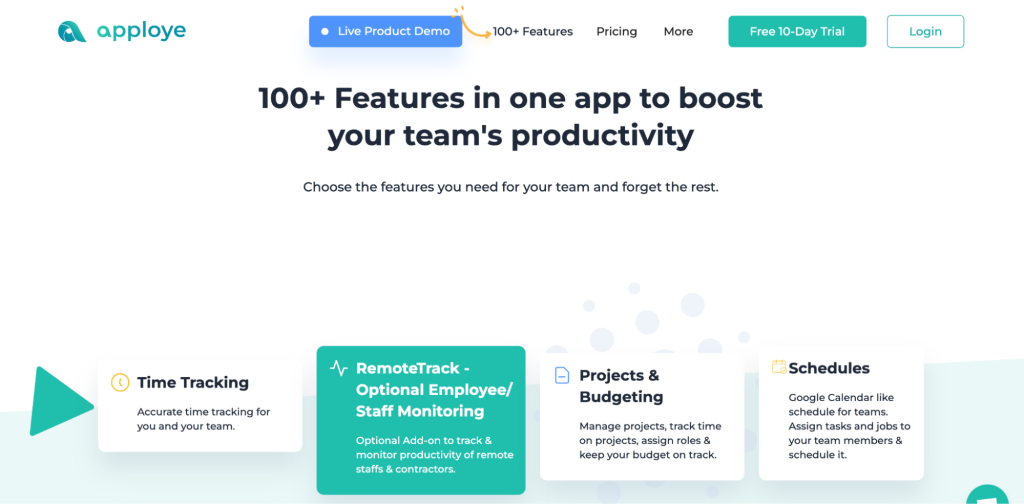
Rounding out the list is Apploye—a tracker supported on both mobile and computers, with 100+ features (mostly online). It tracks offline hours that sync with your online account; on Premium, it runs without a connection and syncs automatically when back online.
Platforms: iOS, Android, Windows, macOS
Offline behavior: Records offline; on Premium it runs without a connection and auto-syncs on reconnect.
Offline limits & notes: On lower plans, offline support is more limited and may need manual sync.
Free trial: 10-day free trial (no credit card).
Pricing: From $2.50/user/month.
Best for: Automatic offline hours with timesheet functionality.
How to choose the right offline time tracker
Most of these tools overlap, so the choice comes down to a few questions. Do you need automatic offline tracking that runs in the background (field teams, construction), or is manual entry enough (occasional offline work)? Is your team on mobile in the field, or at a desktop? And do you need extras like GPS, invoicing, or productivity reports? Answer those three and the shortlist gets small fast.
Frequently asked questions
What’s the best offline time tracker for poor connectivity or remote areas?
For sites with no signal—basements, remote areas, thick-walled venues—tools that track automatically offline are the safest bet, since they don’t rely on anyone remembering to log hours later. ClockShark, Workyard, and Jibble are built for field and mobile use.
Do I have to get an offline tracker if I mostly work at the desk but sometimes work offline?
If your work mostly happens online, but occasionally you work offline (in-person meetings, site visits etc.), it’s a good idea to get an online-first tracker with offline features. For example, DeskTime has an automatic time tracker on the desktop, with the ability to add manual time or sync calendar events for offline time tracking.
What’s the difference between manual and automatic offline tracking?
Automatic offline tracking keeps running in the background while you’re disconnected and syncs later. Manual offline tracking means you add the hours yourself after the fact. Automatic is more reliable for fieldwork; manual is fine for the occasional offline block.
Can you track billable hours offline?
Yes—most tools here record hours offline and sync them for invoicing once you’re online. If billable vs. non-billable splitting matters, check that the tool tags time that way (not all do).
Does offline time tracking work on mobile?
Yes. Mobile offline tracking is common—Jibble, Atto, Workyard, and ClockShark are mobile-first—which is what makes it useful for field and on-the-go teams. Other apps like DeskTime are optimized for desktop use, but offer mobile apps for when you need to track time away from the desk.

Did you find this article useful? Give it a clap!
Psst! You can clap more than once if you really loved it 🙂