


8 Best Toggl Alternatives in 2026 (Free, Paid & Automatic)


Table of Contents
- Why look for a Toggl alternative?
- Overview of the 8 Toggl alternatives and how they stand out
- 1. DeskTime: Best for teams that bill clients and want hours captured automatically
- Why DeskTime is a great Toggl alternative
- No timer to remember, no entries to approve
- A team record attributed to clients and projects
- Private Time and blurred screenshots for adoption
- What customer examples show
- DeskTime key features
- Integrations and compatibility
- What about invoicing?
- DeskTime pricing
- What users love about DeskTime
- DeskTime pros and cons
- 2. Clockify: Best free Toggl alternative
- 3. Timely: Best AI-assisted automatic tracking for individuals
- 4. Harvest: Best for invoicing straight from tracked time
- 5. TimeCamp: Best free option for teams beyond Toggl’s free cap
- 6. Memtime: Best for private, personal automatic tracking
- 7. My Hours: Best budget option for small teams
- 8. Hubstaff: Best for field and distributed teams that need GPS and scheduling
- Key considerations for choosing the right Toggl alternative
- 1. Budget: Compare subscription costs with lost billable time
- 2. Automation: Choose how you want to track work
- 3. Billing: Connect tracked time to invoicing
- 4. Team size: Track individual work or manage a team?
- Which Toggl alternative fits your needs?
- Frequently asked questions about Toggl alternatives
- Is DeskTime a good Toggl alternative for small teams?
- Which is better, Clockify or Toggl Track?
- Is there a free version of Toggl Track?
- Is Clockify 100% free?
- What is the best free time-tracking app?
- Is there an open-source alternative to Toggl Track?
- What do people on Reddit recommend instead of Toggl?
- What is the difference between Toggl Track and Toggl Focus?
- Why look for a Toggl alternative?
- Overview of the 8 Toggl alternatives and how they stand out
- 1. DeskTime: Best for teams that bill clients and want hours captured automatically
- Why DeskTime is a great Toggl alternative
- No timer to remember, no entries to approve
- A team record attributed to clients and projects
- Private Time and blurred screenshots for adoption
- What customer examples show
- DeskTime key features
- Integrations and compatibility
- What about invoicing?
- DeskTime pricing
- What users love about DeskTime
- DeskTime pros and cons
- 2. Clockify: Best free Toggl alternative
- 3. Timely: Best AI-assisted automatic tracking for individuals
- 4. Harvest: Best for invoicing straight from tracked time
- 5. TimeCamp: Best free option for teams beyond Toggl’s free cap
- 6. Memtime: Best for private, personal automatic tracking
- 7. My Hours: Best budget option for small teams
- 8. Hubstaff: Best for field and distributed teams that need GPS and scheduling
- Key considerations for choosing the right Toggl alternative
- 1. Budget: Compare subscription costs with lost billable time
- 2. Automation: Choose how you want to track work
- 3. Billing: Connect tracked time to invoicing
- 4. Team size: Track individual work or manage a team?
- Which Toggl alternative fits your needs?
- Frequently asked questions about Toggl alternatives
- Is DeskTime a good Toggl alternative for small teams?
- Which is better, Clockify or Toggl Track?
- Is there a free version of Toggl Track?
- Is Clockify 100% free?
- What is the best free time-tracking app?
- Is there an open-source alternative to Toggl Track?
- What do people on Reddit recommend instead of Toggl?
- What is the difference between Toggl Track and Toggl Focus?
Why look for a Toggl alternative?
Toggl Track gets a lot right. The timers are simple, and the interface is easy to learn. The free plan makes it an easy yes for individuals and small teams. It can even turn tracked time straight into invoices.
Toggl also offers some automation. Its desktop app can privately record the apps and sites you use, and calendar events can become entries automatically.
But by design, nothing counts until someone reviews it and turns it into a time entry.
That’s where a familiar problem creeps in: missing time.
When people forget to start or switch timers (or rebuild their day from memory at 6 p.m.), timer-based hours tend to run low. And the gap grows from there. People round down, because an overstated hour is a client dispute they’d have to defend, while an understated one goes unnoticed. Then managers trim the number again before invoicing, so the shortfall lands on every invoice.
As G2 reviewer Ishan S. put it:
“Sometimes I forget to start the timer when I switch tasks, so I have to add time entries manually later.”
So who should switch? If you’re a freelancer tracking your own hours, a free tool like Clockify is probably the right answer (and we’ll say so below). But if your team bills clients, a free timer and a paid timer fail the same way.
If you bill by the hour, your time tracker’s price isn’t your highest cost. The hours it misses are.
Some Toggl alternatives try to build a better timer.
Others rethink time tracking altogether.
DeskTime tracks time automatically in the background. Harvest ties tracked time to invoicing. Timely and Memtime record work activity to help you rebuild your day.
Below, we compare eight Toggl alternatives to help you find the right fit for your workflow, budget, and team.
Overview of the 8 Toggl alternatives and how they stand out
| Tool | Best for | Free plan | Starting price (billed annually) | How time gets tracked | Notable limitations |
|---|---|---|---|---|---|
| DeskTime | Teams that bill clients for their time and need to know what each client costs to serve | No; 14-day trial | $6.42/ |
Fully automatic background tracking | No built-in invoicing |
| Clockify | Budget-conscious individuals and teams | Yes; up to five users | $3.99/ |
Timers and manual entries | Still depends on people recording task changes |
| Timely | Automatic timesheets and activity reconstruction | No; 14-day trial | $9/ |
Background activity capture and suggested entries | Users still review and approve suggested entries |
| Harvest | Client invoicing and project budgets | Yes, for one user | $9/ |
Timers and manual entries | Automatic background tracking is not its main focus |
| TimeCamp | Time tracking and attendance management | Yes | $3.99/ |
Timer-based and automatic options | Attendance and GPS features vary by plan |
| Memtime | Personal activity timelines | No; 14-day trial | €12/ |
Automatic personal activity capture | Focuses on personal activity reconstruction rather than a shared team record |
| My Hours | Project budgets and billable time | Yes, for up to five users | $4/ |
Timers and manual entries | Not a fully automatic background tracker |
| Hubstaff | Workforce management and field teams | Free trial | $4.99/ |
Time tracking with optional activity and location features | Monitoring and workforce features may be more than some teams need |
| Toggl Track (reference) | Simple timers and flexible time tracking | $0 for up to three users | Starter $9/ Premium $16/ |
Timers, plus optional private activity timeline and calendar-based entries | Free plan is capped at three users; captured activity must be converted into time entries |
1. DeskTime: Best for teams that bill clients and want hours captured automatically
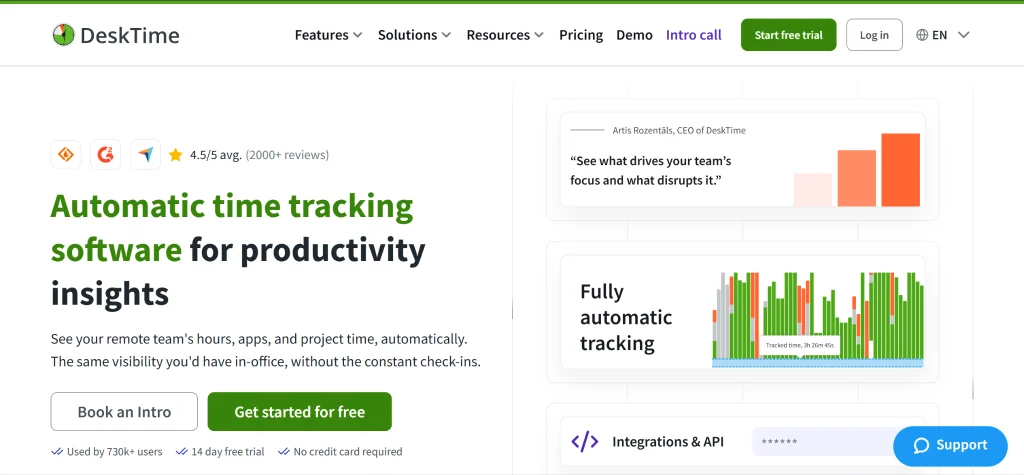
For agencies and consultancies, missed billable hours mean smaller invoices and thinner margins.
DeskTime is built for teams that bill clients for their time, by the hour or on retainer. It tracks computer activity in the background and attributes that time to clients and projects automatically. Nobody has to remember a timer or rebuild their day from memory. Managers get one shared record to price and invoice from.
That’s the key difference from Toggl Track. Toggl’s activity capture is a memory aid: someone still has to review it and turn it into time entries. DeskTime takes that step out. Work time is tracked automatically from the start of the day, and employees keep control through Private Time and the option to add offline hours.
HasTech reported saving around $2,000 a month and finishing more projects on time, while TrueSix gained more transparent billing with its clients.
Why DeskTime is a great Toggl alternative
It comes down to how each tool records work, and who decides what becomes a time entry.
No timer to remember, no entries to approve
Remember Ishan’s forgotten timer? With Toggl, that missed hour waits in the activity log until someone notices and adds it. That’s intentional. As Toggl puts it, “you control which activities turn into time entries.” For some teams, that control is the point.
DeskTime removes the step instead. Tracking starts with the computer and records the workday by default, so there’s no timer to start and no activity to convert.
Parminder Singh described DeskTime as software that “eliminates the need for manual reporting.”
See our full breakdown of DeskTime vs. Toggl.
A team record attributed to clients and projects
Recording activity is only the first step. Agencies also need to know which clients those hours went to and what the work cost to deliver.
DeskTime attributes tracked time to clients and projects automatically, so managers see time spent and delivery costs in one place. If a project budgeted at 20 hours takes 30, you’ll spot it and can dig into why before quoting the next one.
That same record backs up your invoices. You bill from real time data instead of everyone’s memory. Over time, you’ll price similar projects more accurately and catch the work that always runs over.
Private Time and blurred screenshots for adoption
Automatic tracking only works if your team is on board.
Private Time lets employees pause tracking for personal stuff (like a doctor’s appointment or a quick personal call). Screenshots are optional. You can blur them, and they’re available on the Premium plan.
DeskTime also holds ISO 27001 and ISO 27701 certifications for information security and privacy management.
Even so, tell your team what’s collected, who sees it, and how it’s used before you switch it on. Better records shouldn’t cost you their trust.
What customer examples show
Here’s what two DeskTime customers got out of it: clearer billing and a team that feels trusted.
- TrueSix: The agency’s co-founders, Krista Krumina and Julia Gifford, described using DeskTime to understand time spent on client work and improve billing transparency “without controlling employees.”
- Setupad: The marketing company described using DeskTime across a six-person team working in two locations. Its customer story highlights employees feeling trusted.
DeskTime key features
DeskTime combines automatic time tracking with productivity insights, reporting, and team-management features.
Key features include:
- Automatic background tracking: Records computer activity without requiring employees to start a timer for every task.
- Manual and offline time entry: Lets users add work time that automatic tracking doesn’t record, including offline hours.
- Project and client cost attribution: Organizes time records to show where work hours go and what projects cost.
- Configurable screenshots: Offers screenshot capture and blurring controls on supported plans.
- AI daily and weekly summaries: Summarizes tracked activity to make time records easier to review.
- Shift scheduling and absence calendar: Supports team scheduling and visibility into time away.
- IP location reporting: Provides location-related information for supported tracking workflows.
- Productivity calculation: Helps managers review work patterns and time use.
- Private Time: Allows employees to pause tracking for personal activities.
Integrations and compatibility
DeskTime integrates with Jira, Asana, Trello, GitLab, Outlook, Google Calendar, and Zapier. It’s a focused set, so check your must-haves first.
Jira and Asana bring DeskTime into your project workflow. Outlook and Google Calendar connect tracked time to your schedule, and Zapier opens up more connections.
What about invoicing?
DeskTime focuses on capturing and organizing time, so you’ll need a separate billing or accounting tool for invoices. Export your hours as an XLSX file and drop them into whatever you already use.
DeskTime pricing
DeskTime’s Pro plan costs $6.42 per user per month with annual billing or $7 per user per month billed monthly. Premium costs $9.17 annually or $10 monthly. Enterprise pricing is custom for teams of 200 or more users.
All plans come with a 14-day free trial (no credit card required), but there’s no permanent free plan.
What users love about DeskTime
George Arkin of Nexus Auto Transport described DeskTime as “one of the most user-friendly pieces of software I’ve ever encountered.”
DeskTime pros and cons
Pros:
- Removes the step that causes under-billing: No timer to start and no entries to convert, so fewer hours go unrecorded.
- Includes privacy controls: Private Time and configurable screenshot blurring support more transparent tracking policies.
- Improves project visibility: Project and client attribution helps managers review time spent and delivery costs.
- Offers security and privacy certifications: DeskTime has ISO 27001 and ISO 27701 certification.
- Includes a free trial: Teams can try DeskTime for 14 days without a credit card.
- Trusted at scale: Rated 4.5 on G2 and used by 700K+ people.
Cons:
- No built-in invoicing: DeskTime exports hours (.xlsx) to your billing tool, while Toggl and Harvest make invoices directly.
- Fewer integrations: The API is more limited than some rivals’, and AI features are still early-stage.
- No free plan: Unlike Toggl and Clockify, DeskTime offers a 14-day trial only.
Best for: DeskTime is best for agencies and consultancies that bill clients for their time, by the hour or on retainer, and need to know what each client costs to serve.
2. Clockify: Best free Toggl alternative
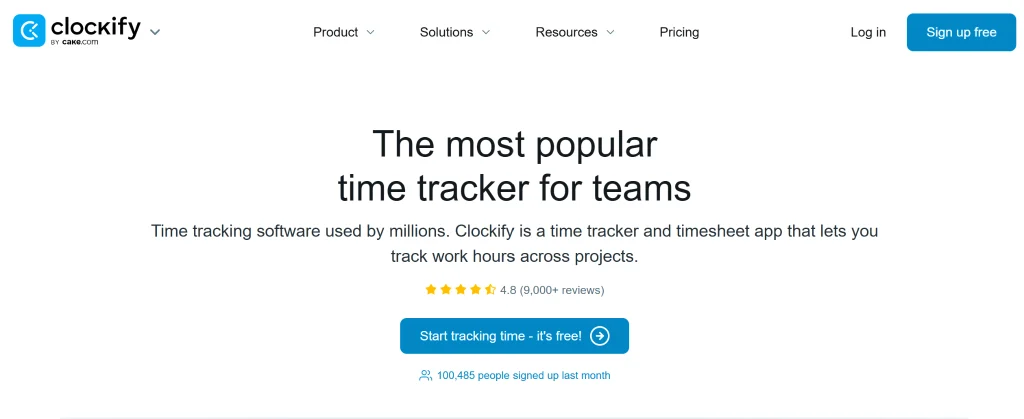
Clockify is a time tracker for freelancers, consultants, and teams that want to log project hours without paying upfront. Its free plan covers unlimited time tracking, project tracking, and basic reporting, which makes it an easy place to start.
Why choose Clockify over Toggl Track?
In a Clockify vs. Toggl matchup, the big difference is team size. Clockify’s free plan covers up to five users, while Toggl Track’s stops at three.
Both use timers and manual entries, and Clockify adds timesheets, project tracking, and reports so teams can see where their time goes. Paid plans add the rest.
Clockify pros and cons
Pros:
- Free plan with unlimited time tracking for up to five users.
- Timer-based and manual time entries.
- Paid plans with additional features.
- Timesheets and basic reporting.
- Project and task tracking.
Cons:
- Teams wanting fully automatic background tracking may prefer another tool.
- Accurate records depend on consistent time entry.
- Advanced features require a paid plan.
Clockify pricing
Clockify offers a free plan for up to five users. Paid plans start at $3.99/user/month, billed annually. Higher tiers add more features.
Best for: Freelancers and teams that need a capable free plan. If your team bills clients by the hour, weigh the free plan against the hours a timer can miss.
3. Timely: Best AI-assisted automatic tracking for individuals
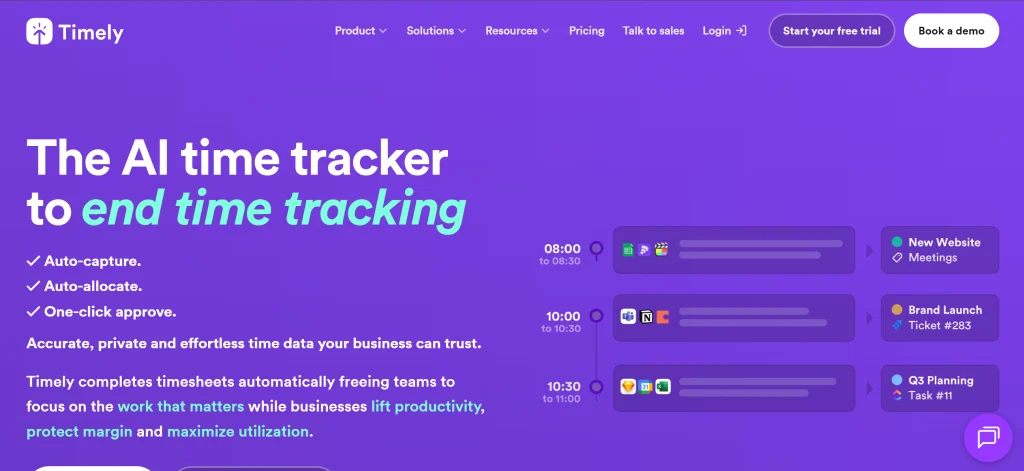
Timely is built for freelancers, consultants, and professionals who’d rather not babysit a timer. A background tracker records their activity, and AI suggests timesheet entries from it.
Why choose Timely over Toggl Track?
Timely records activity through its Memory app and drafts entries based on your past time-logging patterns.
Say you work across several client projects. Timely uses your recorded activity and previous project assignments to draft your timesheet. You review the suggestions, fix any project assignments, tweak descriptions, and approve.
It’s a practical way to rebuild your workday without relying on memory. Just remember that someone still needs to check those AI drafts before they hit an invoice.
Timely pros and cons
Pros:
- Helps reconstruct workdays across multiple projects.
- Reduces reliance on starting and stopping timers.
- Uses AI to suggest timesheet entries.
- Records activity in the background.
Cons:
- Project assignments and descriptions may need corrections.
- Suggested entries need review and approval.
- User and project limits vary by plan.
Timely pricing
Timely’s Starter plan costs $9/user/month, billed annually. It offers a free trial but no permanent free plan.
Best for: Freelancers, consultants, and professionals who want AI-assisted timesheets and automatic activity capture without relying entirely on manual timers.
4. Harvest: Best for invoicing straight from tracked time
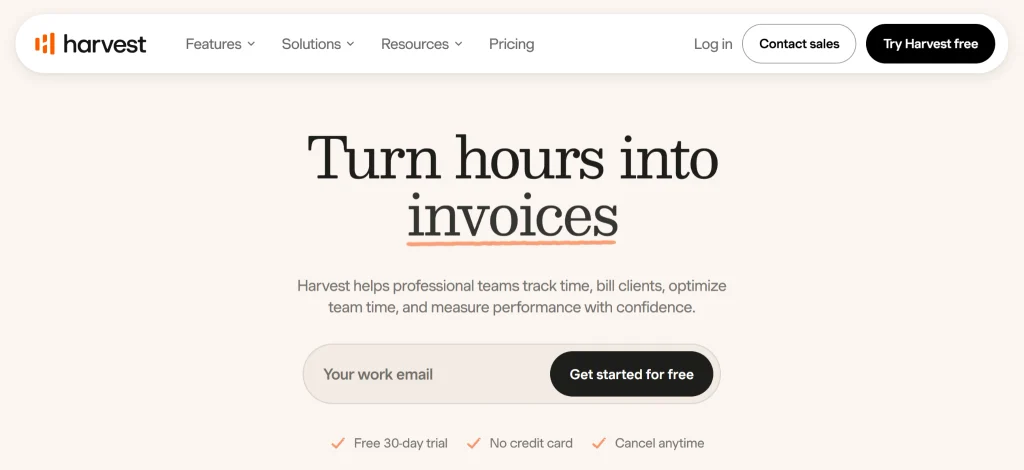
Harvest helps freelancers, agencies, and service businesses turn tracked hours and expenses into client invoices. Project budgets and billing live in the same tool.
Why choose Harvest over Toggl Track?
Toggl Track focuses on tracking time and reporting on it. Harvest goes a step further and connects that time directly to billing.
You can track time against projects and tasks, follow your budgets, log expenses, and generate invoices from your recorded work. No copying hours from one tool into another.
The catch: Harvest runs on timers and manual entries, so automatic background tracking isn’t its focus. If your team often forgets to start timers, Timely or DeskTime may be a better fit.
Harvest pros and cons
Pros:
- Supports project budgets and expense tracking.
- Offers accounting and payment integrations.
- Connects tracked time with client invoicing.
- Includes a free plan for individual users.
- Helps organize billing workflows.
Cons:
- The free plan is limited to one user and two projects.
- Automatic background tracking isn’t its main focus.
- Teams need a paid plan for additional features.
Harvest pricing
Harvest has a free plan for one user. Its Teams plan starts at $9/seat/month, billed annually. It includes team reporting, invoicing, and integrations for accounting and payments.
Best for: Freelancers and agencies that want to manage tracked time, project budgets, expenses, and client invoicing in one workflow.
5. TimeCamp: Best free option for teams beyond Toggl’s free cap
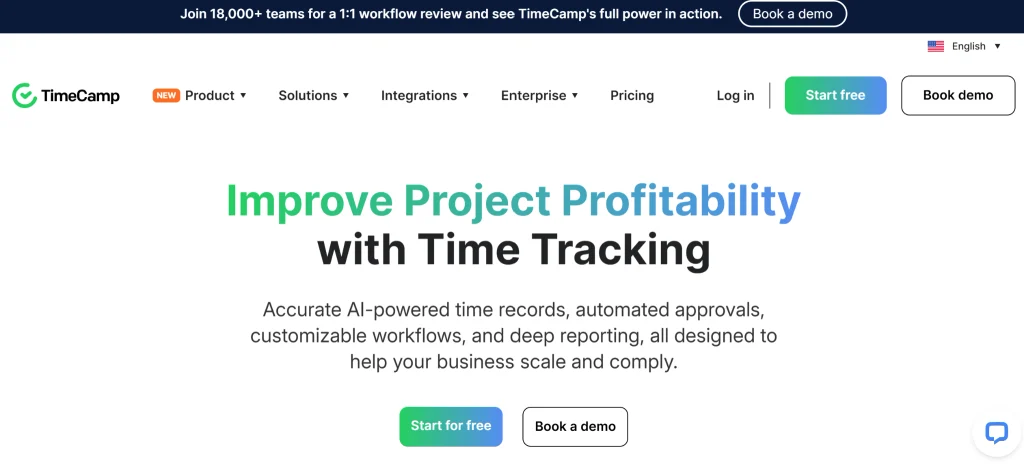
TimeCamp combines project time tracking with timesheets, reporting, and attendance management. Its free plan covers unlimited users and projects, so you can track work without paying for every seat.
Why choose TimeCamp over Toggl Track?
TimeCamp goes beyond basic timers. The free plan includes timesheets plus web, desktop, and mobile apps, and you can track time with a timer, manually, or automatically.
Paid plans add attendance calendars, app and website monitoring, time-off and overtime tracking, invoicing, and budgeting.
The headline perk is the free plan’s unlimited users and projects. Just check which paid tier includes extras (like billable-time tracking, screenshots, timesheet approvals, or GPS tracking) before you commit.
TimeCamp pros and cons
Pros:
- Advanced options available for teams that need screenshots, timesheet approvals, or GPS tracking.
- Paid plans with attendance, invoicing, budgeting, and reporting features.
- Timesheets and multiple time-tracking options.
- Free plan with unlimited users and projects.
- Has web, desktop, and mobile apps.
Cons:
- The AI Time Tracker is billed separately based on token usage.
- The feature set may be more than a solo freelancer needs.
- Advanced features require higher-tier plans.
TimeCamp pricing
TimeCamp offers a free-forever plan with unlimited users and projects. Paid plans start at $2.49/user/month billed annually.
Best for: Teams that want free time tracking for unlimited users, with the option to add attendance management, invoicing, and workforce features as their needs grow.
6. Memtime: Best for private, personal automatic tracking
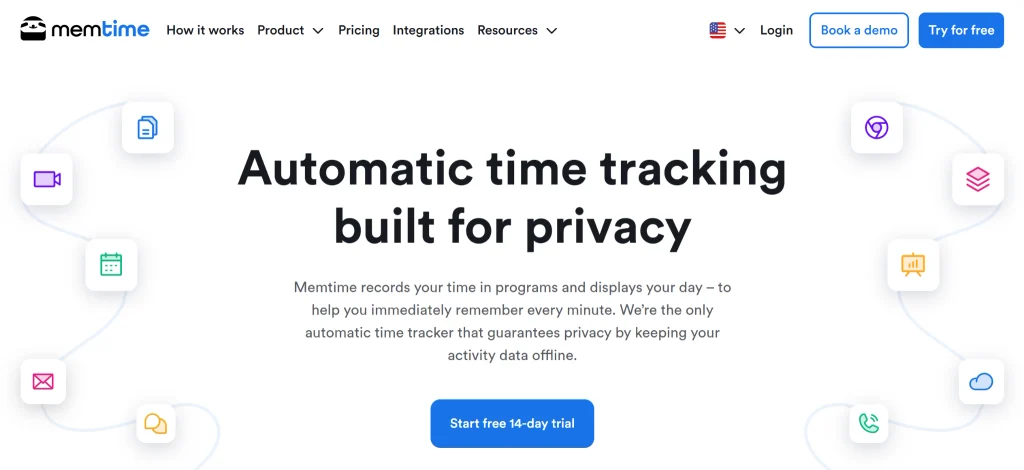
Memtime records your computer activity in a private, personal timeline, so freelancers, consultants, and specialists can rebuild their workday without leaning on manual timers.
Why choose Memtime over Toggl Track?
Toggl Track centers on timers and time entries. Memtime records activity in the background and lays it out for you to review when you fill in your timesheet.
Bouncing between several projects a day? Memtime’s timeline gives you a record to work from, so it’s easier to catch the half hour you’d otherwise forget.
It’s built for personal tracking rather than shared team reporting, though. (If managers need to see activity across projects and clients, DeskTime may be a better fit.)
Memtime pros and cons
Pros:
- Supports integrations that connect activity capture with time-entry workflows.
- Provides a personal timeline for reconstructing workdays.
- Reduces reliance on memory and manual timers.
- Automatically records computer activity.
Cons:
- Its focus on personal tracking may not suit teams that need shared reporting.
- You may still need to organize recorded activity into time entries.
- Plans with more integrations and support cost more.
Memtime pricing
Memtime offers a 14-day free trial, no credit card required. Paid plans start at €12/user/month for the Basic plan.
Best for: Freelancers and professionals who want an automatic personal activity timeline to help reconstruct their workdays.
7. My Hours: Best budget option for small teams
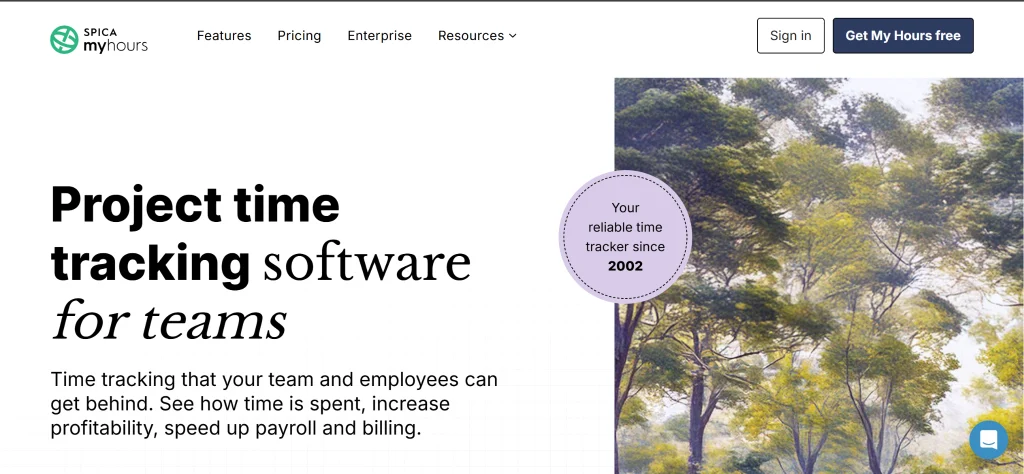
My Hours helps freelancers and small teams track time by project, manage billable hours, and keep project budgets in check.
Why choose My Hours over Toggl Track?
My Hours pairs project time tracking with budget management and reporting. Its reports show project costs and profitability, while timesheet approvals and data locking let managers sign off on submitted hours.
The free plan covers up to five users with unlimited projects, tasks, and clients. That makes it a solid pick for small teams that want budget visibility without paying for every seat.
My Hours pros and cons
Pros:
- Unlimited projects, tasks, and clients on the free plan.
- Project budgets and billable-time management.
- Reporting on project costs and profitability.
- Timesheet approvals and data locking.
- Free plan for up to five users.
Cons:
- Not designed primarily for automatic background tracking.
- May be inadequate for broader workforce management.
- Some features require a paid plan.
My Hours pricing
My Hours offers a free plan for up to five users, with unlimited projects, tasks, and clients. Paid plans start at $4/user/month.
Best for: Freelancers and small teams that need project-based time tracking, billable-time reporting, budget visibility, and timesheet approvals.
8. Hubstaff: Best for field and distributed teams that need GPS and scheduling
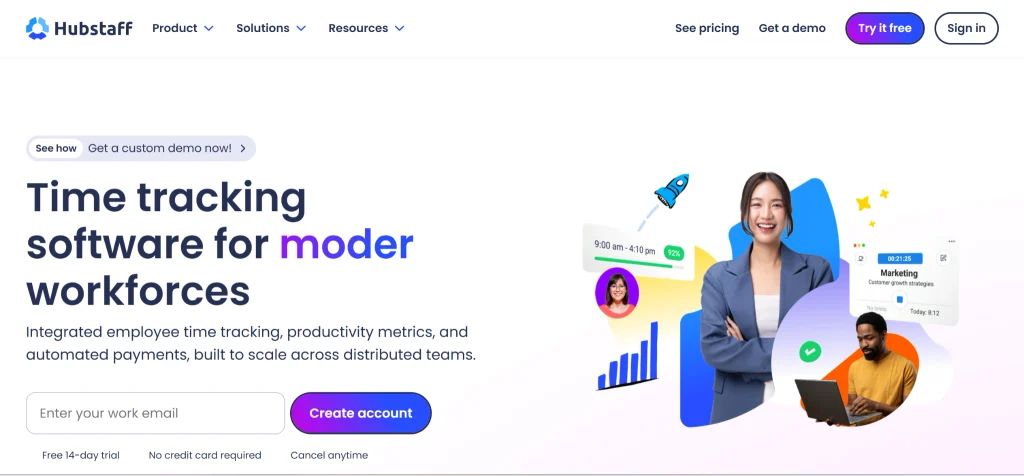
Hubstaff combines time tracking with workforce-management features for distributed teams managing projects, schedules, or locations.
Why choose Hubstaff over Toggl Track?
Toggl Track focuses on time tracking and reporting. Hubstaff adds optional activity tracking (app and website usage, GPS location tracking, and geofencing), plus optional screenshots.
It also handles scheduling, attendance, and payroll integrations, which helps businesses coordinate field teams, construction crews, or logistics operations.
The trade-off: Hubstaff is built for teams that want activity tracking, so plan for more change management during rollout. Before you turn on activity tracking, set clear policies on what you record, why, and who can see it.
Hubstaff pros and cons
Pros:
- Combines time tracking with workforce-management features.
- Integrates with payroll tools for supported workflows.
- Offers optional screenshots and activity tracking.
- Includes scheduling and attendance features.
- Supports GPS tracking and geofencing.
Cons:
- Activity-tracking features may be unnecessary for teams that only need timesheets.
- Implementation may require additional training and change management.
- Activity tracking requires clear policies and communication.
- Some features require higher-tier plans.
Hubstaff pricing
Hubstaff’s Starter plan starts at $4.99/user/month. Higher-tier plans offer additional reporting, integrations, and workforce-management features.
Best for: Distributed businesses and field teams that need time tracking alongside scheduling, attendance, location tracking, and optional activity monitoring.
Key considerations for choosing the right Toggl alternative
The right Toggl alternative comes down to four things: your budget, how you track time, how you bill clients, and whether you’re tracking yourself or managing a team.
1. Budget: Compare subscription costs with lost billable time
If you only need basic time tracking, free tools like Clockify, TimeCamp, and My Hours keep one more subscription off your card.
If your team bills by the hour, run the numbers differently. DeskTime Pro costs $6.42 per user per month, billed annually. At $100 an hour, that’s less than four minutes of billable time per person per month. At $50 an hour, it’s about eight.
So ask yourself: how often does a forgotten timer or rounded-down entry cost more than that? Plug your own numbers into DeskTime’s time-tracking ROI calculator to see.
2. Automation: Choose how you want to track work
Time-tracking tools differ in how they record work:
- DeskTime: Records computer activity automatically in the background, reducing reliance on manual timers.
- Timely: Records activity and suggests timesheet entries for users to review and organize.
- Clockify: Supports timer-based tracking for people who prefer to record their time manually.
Choose based on whether your team reliably starts timers, prefers reviewing suggested entries, or needs automatic records of computer-based work.
3. Billing: Connect tracked time to invoicing
If you want to connect time tracking with client billing, consider Toggl Track and Harvest, which both offer built-in invoicing. Harvest combines tracked time with expenses, project budgets, and client invoices.
DeskTime doesn’t include built-in invoicing, but you can export tracked hours to a separate billing tool.
Decide whether you want time tracking and invoicing in one workflow or prefer to manage them separately.
4. Team size: Track individual work or manage a team?
Solo freelancers may only need a free tracker to record hours and organize projects.
Teams should consider whether everyone can follow the same tracking process and whether managers need shared project reports.
For larger teams, automatic tracking can reduce gaps caused by forgotten timers. Choose workforce-management and monitoring features only if they meet a specific business need.
Which Toggl alternative fits your needs?
- DeskTime: Best if forgotten timers and under-reported hours are costing your team money. It tracks computer activity automatically and you can export tracked hours to a separate billing tool.
- Clockify: A good starting point if you want free time tracking for up to five users. Compare its paid features with your team’s reporting and workflow needs.
- Timely: Best for people who want recorded activity turned into suggested timesheet entries they can review, rather than relying entirely on memory.
- Harvest: A strong fit if you want to connect tracked hours with expenses, project budgets, and client invoicing.
- TimeCamp: Worth considering if you want time tracking alongside attendance features. Its free plan supports unlimited users and projects; check which capabilities are included in each paid plan.
- Memtime: A good option if you want a personal activity timeline to help reconstruct your workday.
- My Hours: Suited to freelancers and small teams that need project-based tracking, billable-time records, and budget visibility.
- Hubstaff: Worth considering if you need time tracking alongside workforce-management features such as scheduling, attendance, and optional activity monitoring.
Frequently asked questions about Toggl alternatives
Is DeskTime a good Toggl alternative for small teams?
Yes, DeskTime is a good Toggl alternative for small teams. It supports teams of about five or more people that bill clients and need automatic time tracking. It records computer activity in the background, reducing reliance on manual timers.
But there’s no built-in invoicing, so you’ll need a separate billing tool. (It’s also not the best fit for solo freelancers or teams that need a free plan.)
Which is better, Clockify or Toggl Track?
Clockify is a strong choice if you want free time tracking for up to five users. Toggl Track is worth considering if you prefer its timer workflow, reporting, and integrations.
Compare their free-plan limits, pricing, and tracking models. If your team bills clients, use the decision framework above to weigh the cost of missed billable time against the cost of a paid tool.
Is there a free version of Toggl Track?
Yes, there’s a free version of Toggl Track. Toggl Track’s free plan supports up to three users. Starter costs $9 per user per month with annual billing or $12 with monthly billing. Premium costs $16 with annual billing or $24 with monthly billing. Enterprise pricing is custom.
Is Clockify 100% free?
Clockify offers a free plan for up to five users, with paid plans for additional features. It’s a practical starting point for individuals and teams whose time-tracking needs fit the free plan.
What is the best free time-tracking app?
Clockify is a solid free time-tracking app for teams of up to five. TimeCamp offers unlimited users and projects on its free plan, while My Hours is ideal for tracking projects, billable time, and budgets.
DeskTime offers automatic background tracking, but only a 14-day free trial. For teams that bill by the hour, the cost of missed billable time can outweigh the price of a paid tracker.
Is there an open-source alternative to Toggl Track?
Yes. Kimai and Solidtime are open-source, self-hosted alternatives to explore if you want more control over your time-tracking setup.
What do people on Reddit recommend instead of Toggl?
Recommendations on Reddit depend on the user’s needs. In one r/selfhosted discussion about free, self-hosted Toggl alternatives, commenters mention Kimai and Solidtime. A separate freelancer-focused thread compares free time-tracking tools.
What is the difference between Toggl Track and Toggl Focus?
Toggl Track is Toggl’s time tracking and reporting tool. Toggl Focus (informally called Toggl 2.0) is a separate product built around project planning and capacity management, with its own built-in time tracking. The two don’t currently sync.

Did you find this article useful? Give it a clap!
Psst! You can clap more than once if you really loved it 🙂