


8 Clockify Alternatives for Teams Tired of Chasing Timesheets


Table of Contents
- Overview of the eight Clockify alternatives and how they stand out
- 1. DeskTime: Best for teams that want hours tracked automatically without timer
- Hours land on the timesheet by themselves
- Project cost you can trust
- Tracking your team accepts
- Integrations and key features
- DeskTime pricing
- Pros
- Cons
- Testimonials
- 2. Toggl Track: Best for teams that want a clean, low-friction timer
- 3. Timely: Best for teams that want AI-drafted timesheets from automatic tracking
- 4. Jibble: Best for mobile and field teams needing GPS check-ins
- 5. TimeCamp: Best for teams already comparing automatic trackers
- 6. QuickBooks Time: Best for multi-location teams needing GPS and PTO management
- 7. Harvest: Best for teams that need invoicing alongside time tracking
- 8. Hubstaff: Best for managers who want detailed activity tracking
- Reasons to consider an alternative to Clockify
- If your team forgets to press start
- If your invoices are under-billing you
- If Clockify’s free tier stopped covering your team
- If you want insights your team will accept
- Key considerations for choosing the right Clockify alternative
- Frequently asked questions about Clockify alternatives
- Overview of the eight Clockify alternatives and how they stand out
- 1. DeskTime: Best for teams that want hours tracked automatically without timer
- Hours land on the timesheet by themselves
- Project cost you can trust
- Tracking your team accepts
- Integrations and key features
- DeskTime pricing
- Pros
- Cons
- Testimonials
- 2. Toggl Track: Best for teams that want a clean, low-friction timer
- 3. Timely: Best for teams that want AI-drafted timesheets from automatic tracking
- 4. Jibble: Best for mobile and field teams needing GPS check-ins
- 5. TimeCamp: Best for teams already comparing automatic trackers
- 6. QuickBooks Time: Best for multi-location teams needing GPS and PTO management
- 7. Harvest: Best for teams that need invoicing alongside time tracking
- 8. Hubstaff: Best for managers who want detailed activity tracking
- Reasons to consider an alternative to Clockify
- If your team forgets to press start
- If your invoices are under-billing you
- If Clockify’s free tier stopped covering your team
- If you want insights your team will accept
- Key considerations for choosing the right Clockify alternative
- Frequently asked questions about Clockify alternatives
Clockify works well for teams that want free, straightforward timekeeping without a complicated setup. It’s a practical choice for tracking project hours, especially when employees remember to start and stop their timers consistently.
The trouble starts when they don’t.
Some teams also find that costs creep up as they grow. Clockify does have an Auto Tracker, but its records stay on the user’s computer until they convert them into timesheet entries. Managers can’t see unconverted activity.
And even logged hours can shrink. Our take: employees round down to avoid disputes, managers trim again before invoicing, and you get paid for less work than your team delivered.
Luckily, you’ve got options.
DeskTime and Timely record activity automatically, so nobody has to remember a timer. Toggl Track keeps things simple for teams that prefer manual time tracking, while Jibble offers mobile-friendly features for field teams.
Below, we compare eight Clockify alternatives: what each one does best, what it costs, and what to watch for before switching.
Overview of the eight Clockify alternatives and how they stand out
| Tool | Best for | Price (billed annually) | Notable limitations |
|---|---|---|---|
| DeskTime | Automatic time tracking and project-cost visibility | Pro: $6.42/ |
No permanent free plan; desktop app required for automatic tracking; no built-in invoicing |
| Toggl Track | Simple timers and easy setup | $0 to $16 per user/ |
Manual timers still depend on employees starting and stopping them |
| Timely | Automatic activity recording and AI-drafted timesheets | $9–$16/ |
Users must review and approve drafted entries |
| Jibble | Mobile and field teams needing GPS check-ins | $0–$6.99 per user/ |
More focused on attendance than project-cost reporting |
| TimeCamp | Automatic tracking and detailed activity records | $0–$4.99 per user/ |
Screenshots and keyboard/mouse activity tracking may not suit every team’s policies |
| QuickBooks Time | Multi-location teams needing GPS, geofencing, and PTO | $8.50/ |
Costs more than simpler time trackers |
| Harvest | Agencies needing time tracking and invoicing | $0–$14 per seat/ |
Billing-focused rather than a deep project-management platform |
| Hubstaff | Teams needing detailed activity records | $4.99–$10 per user/ |
Screenshots and keystroke-related features require careful consideration of privacy policies |
| Clockify (baseline) | Free, straightforward project timekeeping | $0–$15.99 per user/ |
Hours reach the timesheet only when someone starts a timer or converts auto-tracker records into entries. Managers can’t see unconverted activity. |
1. DeskTime: Best for teams that want hours tracked automatically without timer
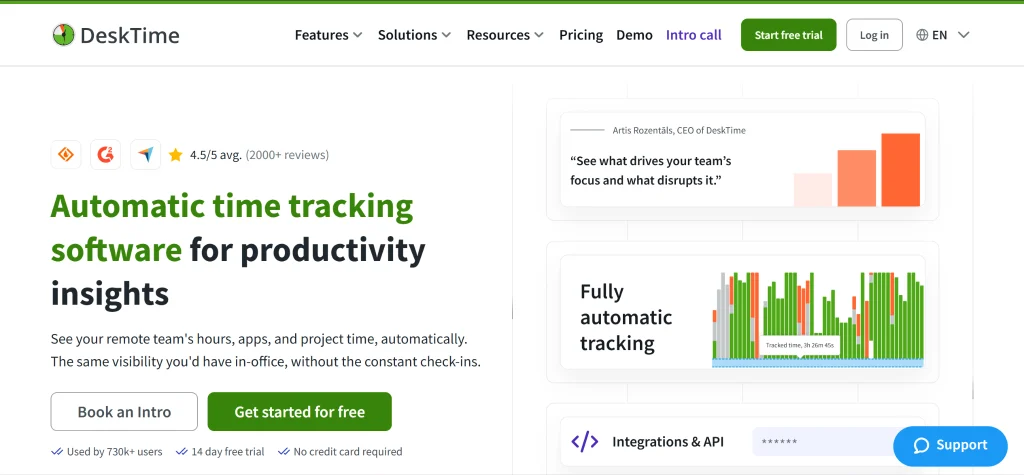
DeskTime is automatic time tracking software for productivity insights that helps small-to-medium companies see what their projects actually cost, where their capacity is committed, and how their teams are really performing, without manual timesheets.
That means no timers.
DeskTime tracks computer activity in the background, so nobody has to remember to press start.
Managers get a clear view of what each project costs and where the team’s time goes.
That matters when missing hours eat into your margins, your invoices, and your next estimate. It’s why NtoN, with 150 employees across 20 global teams, switched from Clockify to DeskTime.
As Pete Wicklein, manager at NtoN, puts it:
“DeskTime had the functionality that matched our business needs. Unlike Clockify, which relies on users entering their time, DeskTime automatically tracks activity on employees’ computers.”
NtoN isn’t alone: DeskTime is rated 4.5 on G2 and used by 700K+ people.
Hours land on the timesheet by themselves
Clockify’s Auto Tracker records application and website activity locally, but employees must convert relevant records into timesheet entries.
DeskTime records computer activity automatically in the background, so nobody has to start or stop a timer to track their workday. Employees can still add any work they did away from the computer.
Project cost you can trust
DeskTime combines time tracking with project and cost tracking, helping teams compare actual effort with budgets and planned hours.
For example, if a client retainer repeatedly takes longer than expected, more complete time records can help a project manager identify overruns, investigate where the hours went, and make better estimates for the next engagement.
Tracking your team accepts
DeskTime tracks time, application and website use, and document titles. Its Private Time feature lets employees pause tracking for personal stuff, like booking a dentist appointment or paying a bill.
(Screenshots are optional, off by default, and can be blurred. They’re available on Premium.)
DeskTime also holds ISO 27001 and ISO 27701 certifications. Still, walk your team through what’s tracked (and what isn’t) before you switch it on.
Integrations and key features
DeskTime integrates with Jira, Asana, Trello, GitLab, Zapier, Google Calendar, and Outlook Calendar. It’s a focused set for teams that already work in these tools.
Key features include:
- Automatic background time tracking
- Project and cost tracking
- Application, URL, and document-title tracking
- Idle-time tracking and Private Time
- Shift scheduling on Premium and an absence calendar
- Productivity calculations
- Optional screenshots on Premium (off by default, with blurring)
DeskTime pricing
DeskTime has no permanent free plan, but it offers a 14-day free trial without requiring a credit card.
Paid plans include:
- Pro: $6.42 per user/month, billed annually
- Premium: $9.17 per user/month, billed annually
- Enterprise: Custom pricing for organizations with 200 or more users
Pros
- Automatic tracking reduces reliance on manual timers.
- Project and cost tracking help teams understand where hours go.
- Private Time gives employees control over pausing tracking.
- Screenshots are optional, off by default, and can be blurred.
- Productivity calculations and activity details provide additional context.
Cons
- Screenshots and shift scheduling have plan restrictions.
- Automatic computer tracking requires the desktop app.
- No built-in invoicing, so you’ll export hours to a separate billing tool.
- No permanent free plan.
Testimonials
George Arkin, owner of Nexus Auto Transport, described DeskTime as “one of the most user-friendly pieces of software I’ve ever encountered.” He also said it helped his employees immensely.
Setupad maintained over 80% productivity across two offices in different countries, using DeskTime to track performance while giving its distributed team room to work their way.
Digital marketing agency On The Map Marketing uses DeskTime to track project hours, plan work, and calculate performance-based bonuses across its distributed team.
The common thread: clearer records of working time and a better view of how distributed teams perform.
2. Toggl Track: Best for teams that want a clean, low-friction timer
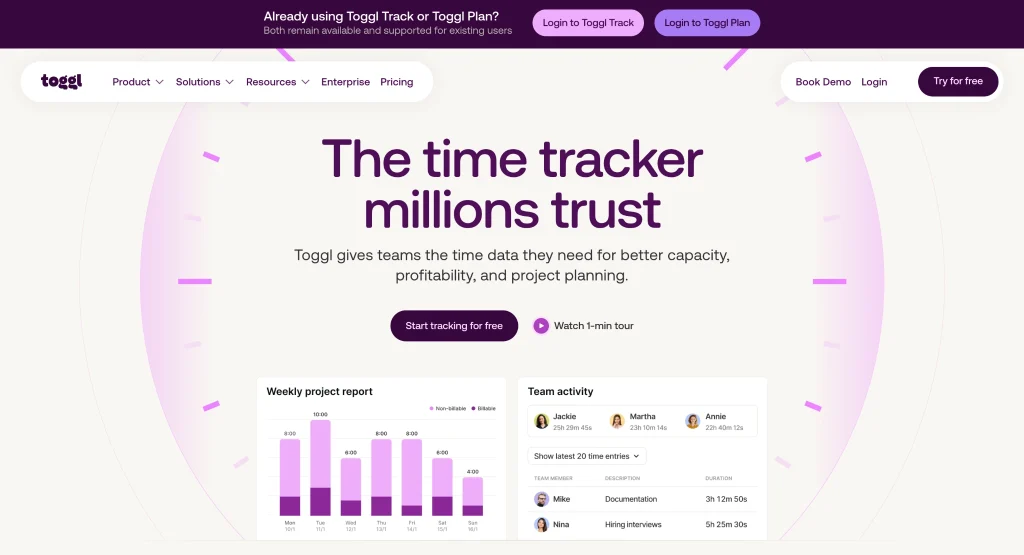
Toggl Track is a strong Clockify alternative for teams that want a straightforward time tracker with a clean interface and flexible reporting.
Its appeal is simplicity: an easy start/stop timer and an uncluttered interface.
Toggl Track also offers 100+ integrations, including Google Calendar, Jira, Asana, Trello, Slack, and GitHub.
It offers a clean interface that works best when your team tracks time consistently. Toggl Track relies on manual timers by default, but its optional Timeline feature records desktop activity in the background and converts it into time entries. That can help users reconstruct their day, but they still have to turn recorded activity into logged time.
Pricing
Toggl Track has a free-forever plan, and paid plans start at $9/user/month.
Pros
- Reporting by project, client, team, and billable status.
- Clean interface and easy-to-use timer.
- More than 100 integrations.
Cons
- Manual tracking still depends on employees remembering to start and stop timers.
- Background activity may need to be converted into time entries.
- Per-user costs can add up as teams grow.
3. Timely: Best for teams that want AI-drafted timesheets from automatic tracking
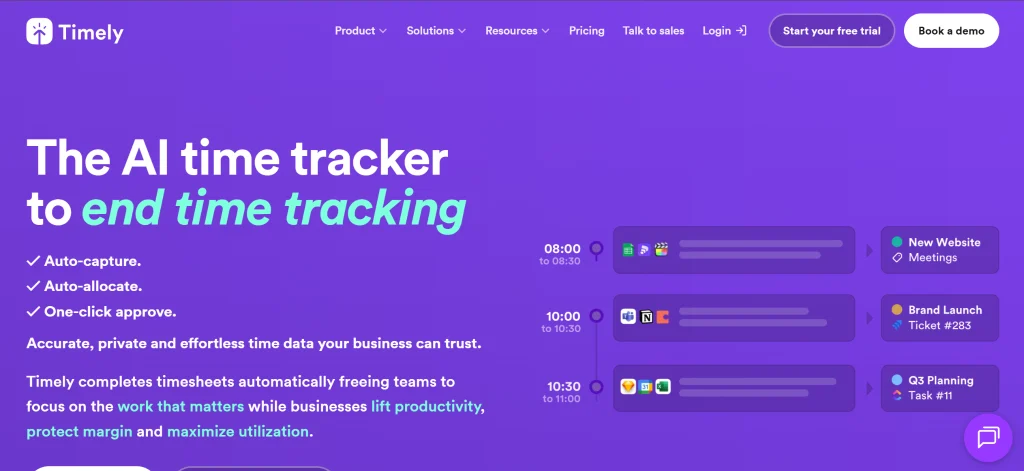
Timely is for teams that like automation but still want the final say.
Its Memory tracker logs work across desktop apps, meetings, and documents in the background, without taking screenshots. At the end of the day, Timely’s AI turns that activity into draft timesheet entries. Employees skim, tweak, and approve, so nobody builds a timesheet from scratch.
Project hours, budgets, and billing all live in the same place, so the approved time flows straight into project costs.
Where it differs from DeskTime is that approval step. Timely waits for a human to sign off on each entry, while DeskTime’s tracked time feeds straight into its time reports. Pick Timely if your team likes reviewing its own hours. Pick DeskTime if you’d rather skip that step.
Pricing
Timely’s pricing starts at $9 per user/month for Starter, which supports up to five users.
Pros
- Project hours, budgets, and billing are central to the workflow.
- Automatic activity recording and AI-drafted timesheets.
- Employees review and approve proposed entries.
Cons
- Employees still need to review and approve drafted entries.
- Starter’s five-user limit may not suit larger teams.
4. Jibble: Best for mobile and field teams needing GPS check-ins
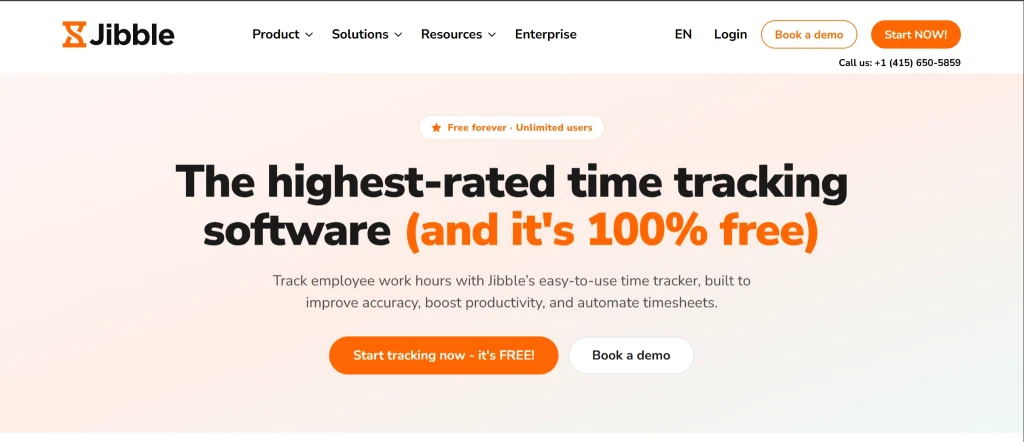
Jibble is a Clockify alternative for teams that clock in from job sites, shops, or the road instead of a desk.
Employees check in from their phones with GPS and facial recognition, so you know who showed up, where, and when (no buddy punching). Its cross-platform apps run on phones, tablets, and desktops, and the free tier keeps costs down while your team grows.
Keep in mind that Jibble is built for attendance. If you need automatic computer tracking or a clear view of project costs, compare how it handles those first.
Pricing
Jibble has a free tier, and pricing starts at $3.99/user/month, billed annually.
Pros
- Cross-platform apps for teams working across locations.
- Suited to field-based and attendance-focused workflows.
- Free tier for budget-conscious teams.
- GPS and facial-recognition check-ins.
Cons
- Attendance tracking may not cover all project-cost reporting needs.
- No shift scheduling.
5. TimeCamp: Best for teams already comparing automatic trackers
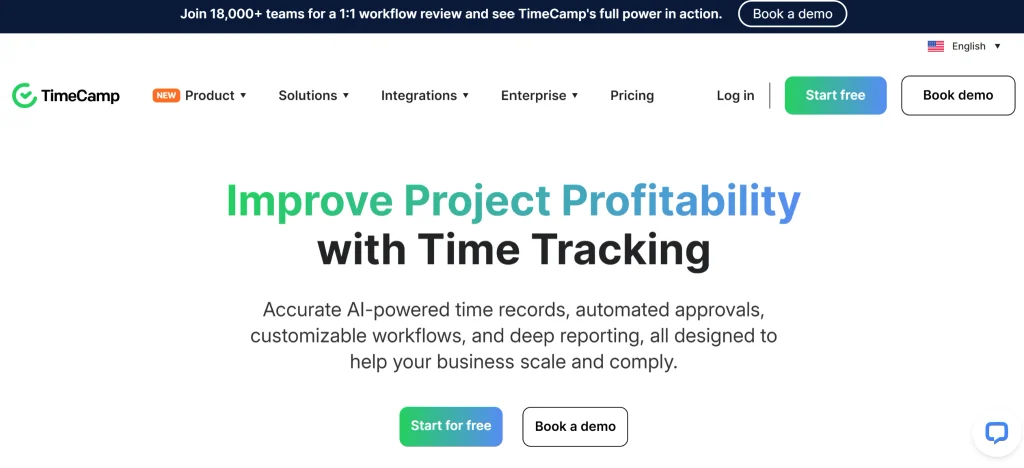
TimeCamp supports teams that want automatic time tracking with detailed activity records.
It offers strong reporting, Jira and Asana integrations, and unlimited projects. It also records screenshots, plus keyboard and mouse activity.
Those capabilities have a trade-off, though. Some teams want detailed activity records to understand how they spend their time. Others prefer less granular data and focus on project hours, budgets, and outcomes.
Start with what you need the data for. To improve project estimates and understand the cost of client work, review how TimeCamp links tracked hours to project reports. If detailed activity records matter, check what the tool records and what controls it offers.
Pricing
TimeCamp starts at $3.99 per user/month, billed annually (Starter plan).
Pros
- Detailed activity records for teams that need them.
- Automatic time tracking and reporting.
- Jira and Asana integrations.
- Unlimited projects.
Cons
- Screenshots and keyboard and mouse activity tracking may not suit every team’s preferences.
- Teams should assess whether its reporting meets their project-cost requirements.
- Feature availability depends on the selected plan.
6. QuickBooks Time: Best for multi-location teams needing GPS and PTO management
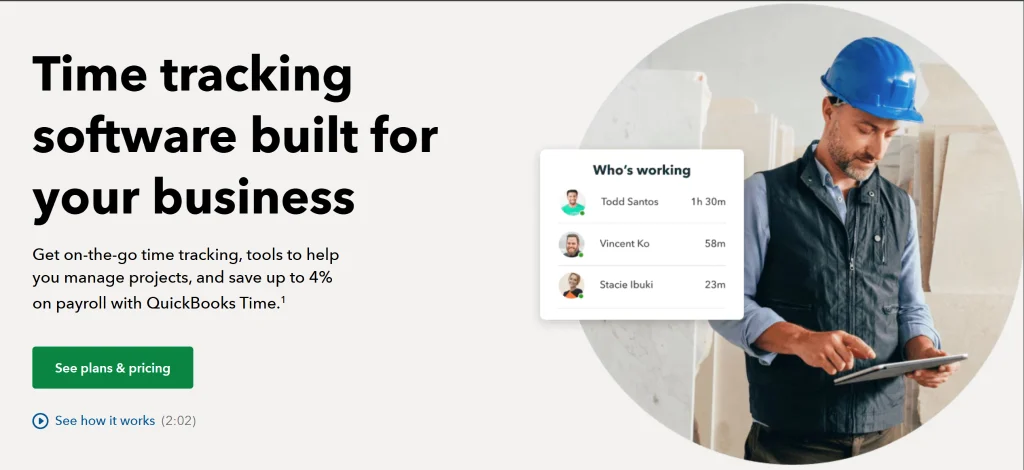
QuickBooks Time is built for teams that work across job sites. GPS tracking and geofencing show when and where employees clock in, and built-in PTO management keeps planned time off in the same place as hours worked.
For field crews, that location data is as important as the timesheet itself.
The trade-off: if your main problem is office staff forgetting to log project hours, those features add complexity without fixing it.
In short, QuickBooks Time is strongest at showing when and where people work, rather than which projects their hours went to.
Pricing
QuickBooks Time starts at $8.50 per user/month (billed annually), plus a monthly base fee of $20/month for Premium or $40/month for Elite.
Pros
- Useful for field-based and location-dependent operations.
- GPS tracking and geofencing for multi-location teams.
- PTO management for time-off visibility.
Cons
- Location and attendance features may be unnecessary for desk-based teams.
- Teams should assess whether its reporting meets their project-cost needs.
- Costs more than simpler trackers.
7. Harvest: Best for teams that need invoicing alongside time tracking
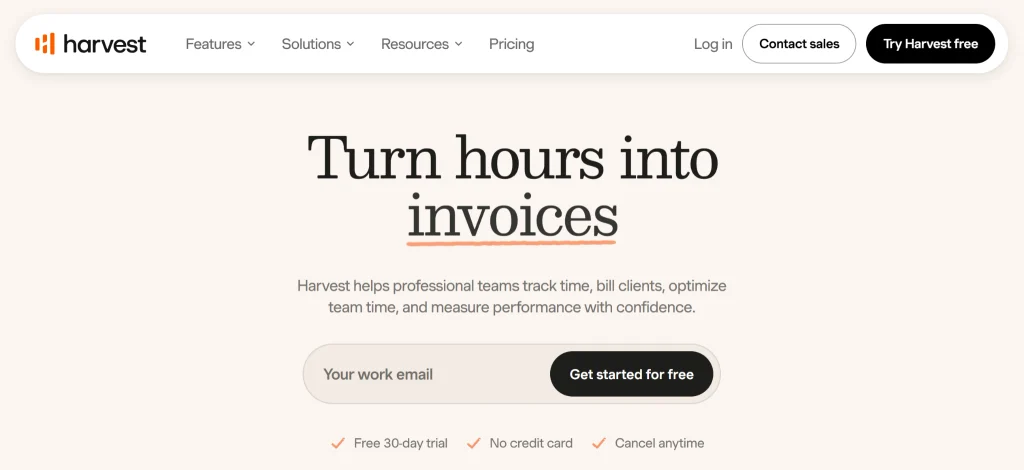
Harvest is built for agencies, consultancies, and service businesses that bill by the hour.
Its strength is the money side: tracked hours, expenses, and project budgets flow straight into client invoices, so nobody copies numbers between tools.
Keep in mind that invoices reflect the hours your team logs. If timers aren’t started consistently, some billable time may not reach the invoice.
Pricing
Harvest has a free plan for one user and two projects, and its paid Teams plan starts at $9 per user/month, billed annually.
Pros
- Invoicing and expense workflows alongside time tracking.
- A useful fit for agencies and consultancies.
- Connects tracked hours with client billing.
Cons
- Teams prioritizing automatic computer-based tracking should compare its time-tracking workflow with dedicated automatic trackers.
- Its main strength is billing, not deep project management.
- Manual time-entry habits can still leave gaps in records.
8. Hubstaff: Best for managers who want detailed activity tracking
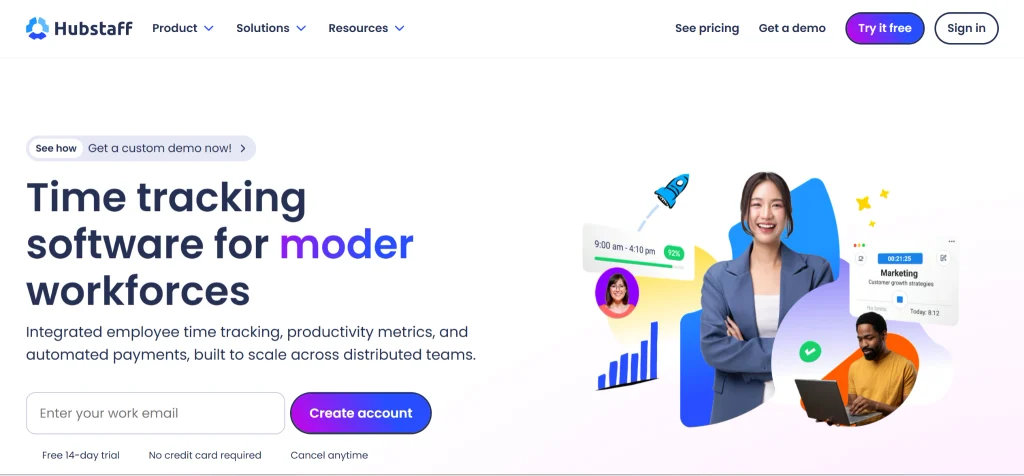
Hubstaff is for managers who want proof of work alongside time tracking.
It records screenshots and keystroke-related activity, which suits organizations that need a detailed record of computer activity. Other teams may prefer less granular data.
Before you choose it, decide what you need the data for. If the goal is understanding project costs and capacity, project-level time records usually cover it. Activity data also reflects time spent on screen rather than the quality of the work itself.
Pricing
Hubstaff starts at $4.99 per user/month, billed annually. Its basic plan excludes some advanced reports and integrations, which require a higher-tier plan. It also offers a 14-day free trial that requires no credit card.
Pros
- A potential fit for organizations with specific proof-of-work requirements.
- Detailed activity records for teams that need them.
- Screenshots and keystroke-related features.
Cons
- Granular activity features require clear privacy expectations and internal policies.
- Activity data alone doesn’t establish project-cost accuracy or work quality.
- Teams should assess whether they need this level of detail.
Reasons to consider an alternative to Clockify
Clockify works for basic timekeeping, but teams may outgrow its workflow when they need more complete time records, accurate billing, affordable scaling, or tracking their team will accept.
If your team forgets to press start
Although Clockify’s Auto Tracker records app and website activity, users still need to convert those records into timesheet entries.
If your invoices are under-billing you
DeskTime’s position is that employees may round down their hours to avoid disputes, while managers may discount them again before invoicing. That double discount is where billable hours disappear into thin air.
If Clockify’s free tier stopped covering your team
If Clockify’s free plan no longer covers your growing team, Jibble stands out for its free tier and attendance features. (A Reddit user chose Jibble over Clockify, Toggl, and Harvest after Clockify’s costs increased as their team grew.)
If you want insights your team will accept
DeskTime combines automatic background tracking, Private Time, blurred screenshots, and workload visibility to support team adoption.
Hubstaff offers more granular activity tracking, including screenshots and keystroke-related features.
Key considerations for choosing the right Clockify alternative
- DeskTime: Ideal if your team’s timesheets are more guesswork than record. Automatic tracking and project attribution help create more complete records without manual timers.
- Toggl Track: Choose it for a clean, simple timer, provided your team consistently starts and stops it.
- Timely: Best for automatic activity recording and AI-drafted entries, though employees must review and approve them.
- Jibble: Best for mobile and field teams that need GPS check-ins and attendance features.
- TimeCamp: Consider it for automatic tracking and detailed activity records; review its settings first.
- QuickBooks Time: Fits multi-location teams needing GPS, geofencing, and PTO management, but costs more than simpler trackers.
- Harvest: Choose it for built-in invoicing and expense workflows, not deep project management.
- Hubstaff: Choose it for teams that need detailed activity records, including screenshots and keystroke-related features.
Frequently asked questions about Clockify alternatives
Does Clockify track time automatically?
Yes and no. Clockify’s desktop Auto Tracker records app and website activity, but it doesn’t automatically turn every record into a timesheet entry. Employees must add the relevant activity themselves, and managers can’t see records that haven’t been converted.
DeskTime tracks computer activity in the background and feeds it into reports, so there’s no extra step between tracking and usable time records.
Is there a free alternative to Clockify?
Yes. Jibble and Toggl Track both offer free plans, so you can track time without adding a subscription.
DeskTime doesn’t offer a permanent free plan, but its 14-day trial doesn’t require a credit card.
(Remember to weigh the subscription cost against the cost of missing hours. A free tool may be more expensive in the long run if incomplete records lead to unbilled work.)
Are there open-source Clockify alternatives?
Yes, although open-source time trackers are a smaller niche than commercial alternatives. Kimai is an open-source, self-hosted time tracker with support for multiple users and roles. It’s worth considering if you want to host the software yourself and have more control over your setup.
DeskTime isn’t open source. If self-hosting is a firm requirement, compare open-source tools like Kimai separately from commercial options.
How much does Clockify cost as a team scales?
Clockify offers a free plan and paid plans ranging up to $15.99 per user per month. It added a new plan in August 2026. Your total cost depends on the plan you choose and whether you pay monthly or annually.
As your team grows, look beyond the starting price. Calculate the cost of all required seats and features before choosing a plan.
Toggl Track vs. Clockify: What’s the difference?
Toggl Track is known for its clean interface and straightforward timer, while Clockify offers a free starting point and a broad range of time-tracking features. Both are good options for teams that can consistently record their hours.
Both also offer activity-tracking workflows that require users to turn relevant records into time entries.
If forgotten timers and incomplete timesheets are your main problems, consider how much work each tool requires between recording activity and getting usable reports.

Did you find this article useful? Give it a clap!
Psst! You can clap more than once if you really loved it 🙂