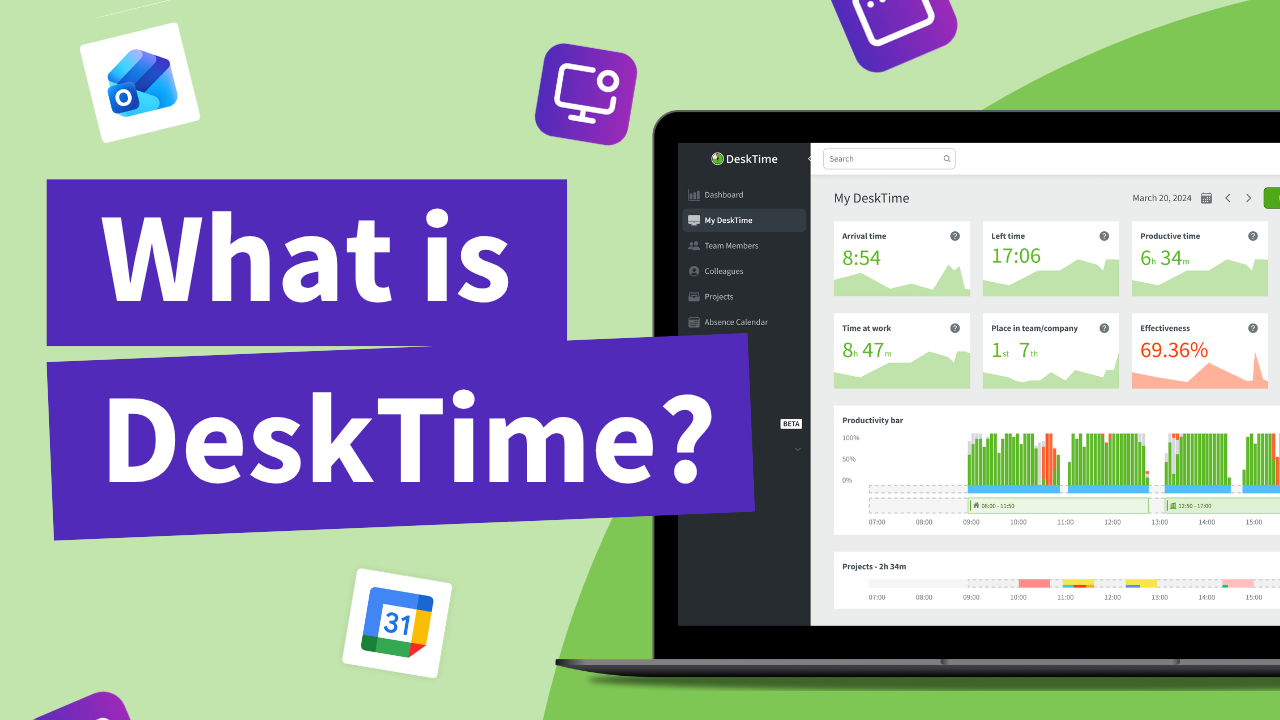
DeskTime features to help your team work more effectively

Explore how our time tracking features boost productivity, streamline work, and save time and money. No matter your team size or setup, DeskTime adapts to your workflow with ease.

TL;DR: DeskTime automatic time tracker includes additional features like productivity insights, project time tracking, reports, shift and absence scheduling, and rich customization.

Don’t take our word for it

Want to hear from our users? Discover their reviews on G2.

How DeskTime works

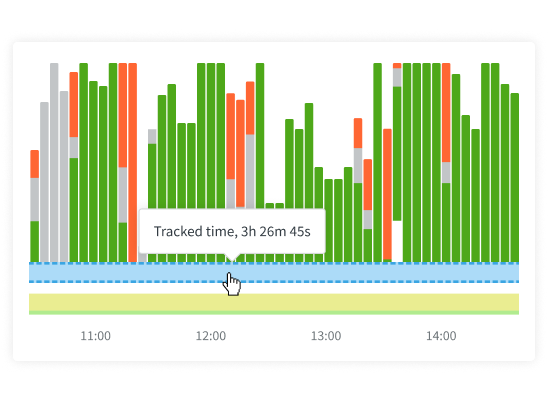
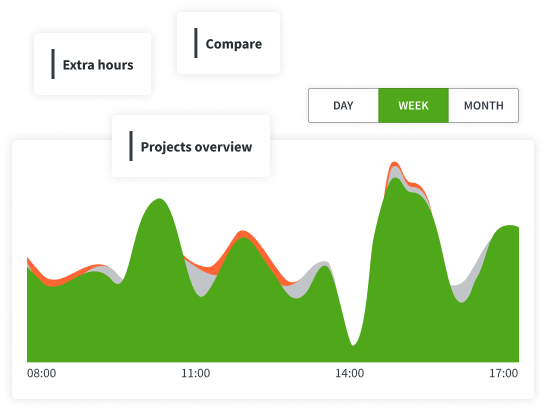
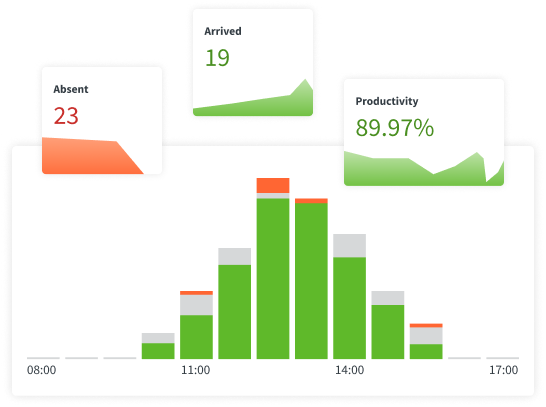
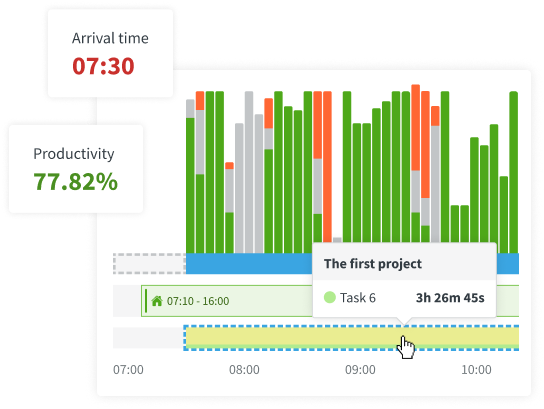
With DeskTime, you can see your employees' arrival and departure times, analyze their productivity, schedule shifts, oversee absences, maintain a healthy work-life balance, keep track of specific projects, and more.

Step 1 to start using DeskTime: Sign up and download the desktop app
Sign Up
Create an account and download the DeskTime app.
Step 2 to start using DeskTime: Add your employee details and create teams
Add your team details
Add your employees individually or in batches and sort them into teams.
Step 3 to start using DeskTime: Start tracking time and see productivity insights
Start tracking!
Read this article on how to use our time tracking tool and communicate it to your employees.

Highly rated and globally trusted

G2 badge for Leader in Employee Monitoring software category, Summer 2026
Sourceforge badge for Leader of Automatic Time Tracking software in Spring 2026
Top Business Software badge for Top Rated software in the Time Tracking category, Spring 2026
Slashdot Leader badge of Spring 2026
G2 milestone badge for most loved software in the Automatic Time Tracking category, Summer 2026
SourceForge icon G2 logo Capterra logo
G2 Star rating 4.5/5 avg. (2000+ reviews)

Frequently asked questions

Yes. DeskTime tracks time automatically from the moment the computer turns on until it's shut down. There is no need to manually start or stop a timer, which means one less thing for employees to remember to do every day. Work done away from the computer can be added manually or synced from a calendar. This is what makes DeskTime one of the easiest time trackers to adopt across a team.
Yes! DeskTime is free to try for 14 days, with no credit card required. The trial includes every feature, so you can track time, measure productivity, and test shift scheduling and reports before committing to a purchase. Sign up here.
DeskTime is best suited to teams that do most of their work on computers, where automatic tracking captures the workday with no manual input. That includes remote and hybrid teams, agencies, IT & software teams, consultancies, and finance teams. It scales from freelancers and small teams to larger organizations that need scheduling, reporting, and API access.
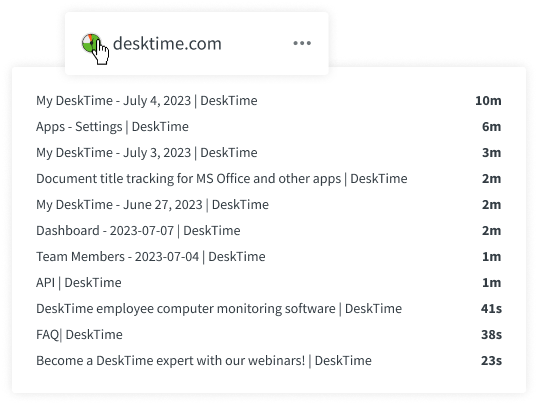
Automatic time tracking (like DeskTime) uses device activity to automatically track the user’s time at work. It accurately measures not just the total workday length, but also how much of that time was spent actively working, what apps and websites were used (and for how long). It does it in the background, which means that the user does not have to manually start and stop timers or fill out time sheets.
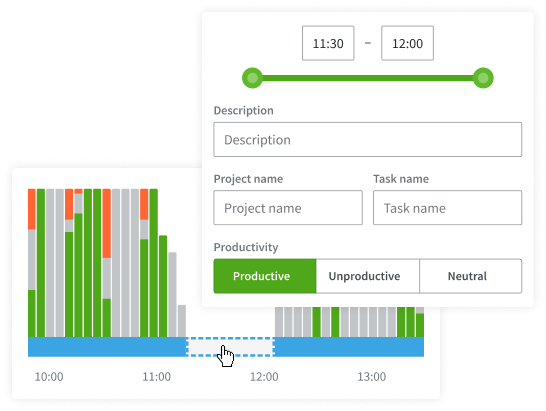
Yes. Even though DeskTime is mainly an automatic time tracker, you can also track work time that happens away from your computer. You can manually add time logs, start a timer on the DeskTime web or mobile app, and even connect it with your Google Calendar or Outlook to automatically add your events and meetings on your timeline.
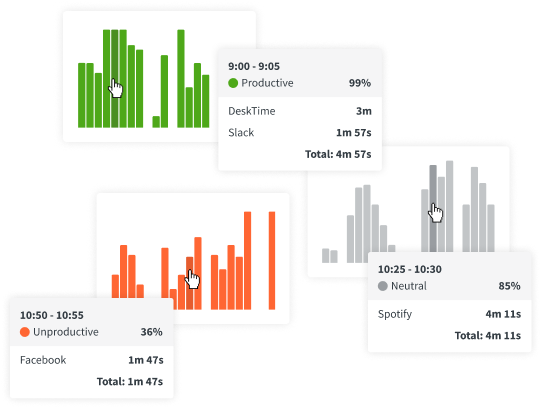
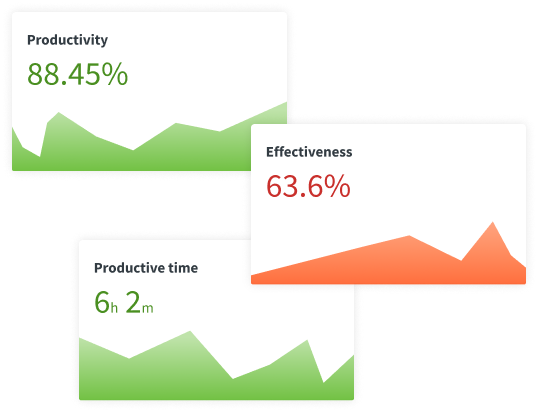
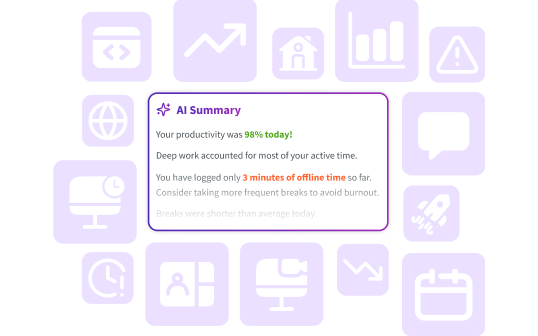
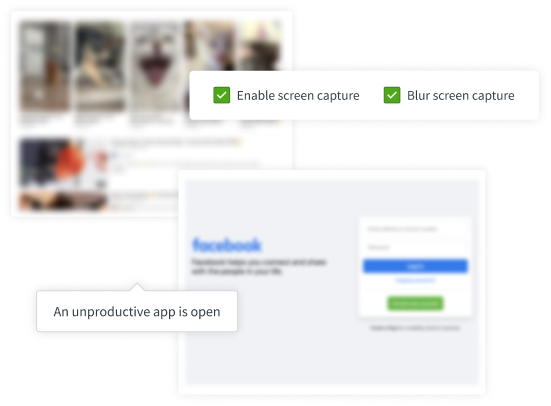
DeskTime measures productivity by assigning a productivity status to each app and URL you use. You can mark apps and URLs relevant to your job as productive, apps and sites that would be distracting as unproductive, and apps that fall somewhere in between as neutral. DeskTime tracks your activities throughout the day, calculates how much time was spent on each app/site, and expresses the result as a productivity percentage. The best part is that you can customize the productivity statuses for each team – so, for example, you can mark social media as productive for your marketing team and unproductive for everyone else.
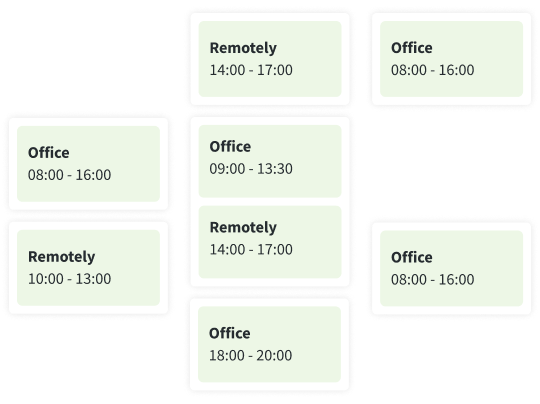
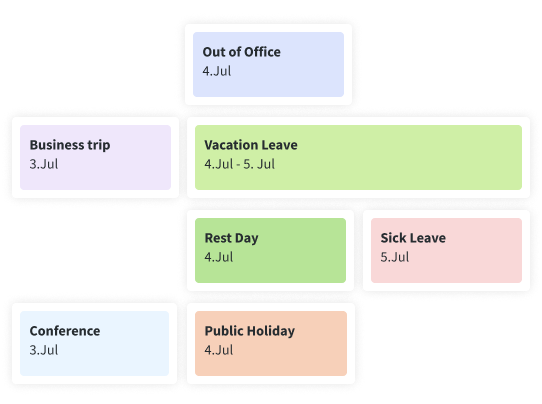
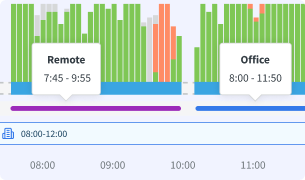
Yes! In addition to its automatic time tracking and productivity insights, DeskTime also include useful management features that will be especially handy for remote and hybrid teams. It has a shift scheduling tool that shows your team’s planned shifts, work hours, and locations (remote or in-office); absence calendar that lets you easily plan around vacations, sick leaves, and other absences. For hybrid teams, you can also see in real-time who is connected to the office network and who is working remotely based on their IP.
DeskTime’s automatic time tracking makes it easier to manage remote and hybrid teams because it allows managers to set fair and clear work time and productivity benchmarks that can be accurately measured. Its automatic time tracking provides trust and transparency while respecting employee privacy. The shift scheduling lets managers see who is available at what times, and who is working from the office or remotely—all in one place.
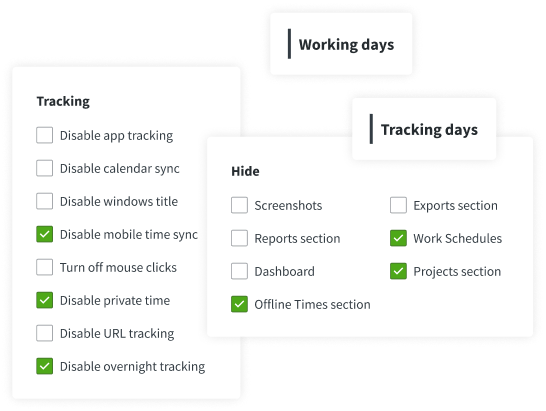
Yes, DeskTime is fully configurable. You can set company-wide defaults, and apply different configurations for each team or even employee separately. You can turn on or off features or use team-specific settings.
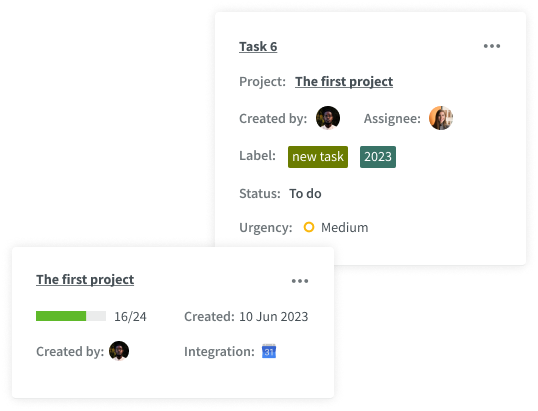
DeskTime includes project tracking, which tracks time spent per each project and task. You can create or import projects and tasks directly inside DeskTime’s project page, see their status and completion, and all tracked time and costs (calculated based on hourly rates). In addition, you can integrate DeskTime with Asana, Jira, Trello, and other platforms.
By design, DeskTime is a simple and privacy-friendly automatic time tracker that gathers productivity insights, instead of micro-managing your employees. It does not include heavy surveillance features like OCR or video recording that other solutions offer.
The DeskTime team is actively developing new features and improving the existing ones. You can read about the most recent additions and upcoming DeskTime features in the Product Updates page.

Try free for 14 days. No credit card required.

Forget manual entries and distractions. With DeskTime, time tracking runs on autopilot—zero effort needed.